The Best Cooling Solutions for High-Performance Gaming Rigs
2 April 2026
If you're a hardcore gamer or a PC enthusiast, you know how critical cooling is. A high-performance gaming rig is like a sports car—push it to the limits, and things will heat up fast! Without proper cooling, your beast of a machine can overheat, throttle performance, and even shorten its lifespan. So, what’s the best way to keep your system chill? Let’s dive into the best cooling solutions that'll keep your gaming rig running cool, quiet, and efficient! 
Why Cooling Matters in Gaming PCs
High-performance components generate heat—lots of it. Your CPU and GPU, the heart and soul of your gaming rig, are working overtime when you’re battling enemies, exploring vast open worlds, or streaming at high resolutions. Without proper cooling, you're looking at lag, frame drops, and worst of all—hardware damage. The right cooling solution ensures stable performance, longevity, and an overall better gaming experience.Now, let’s break down the top cooling solutions available. 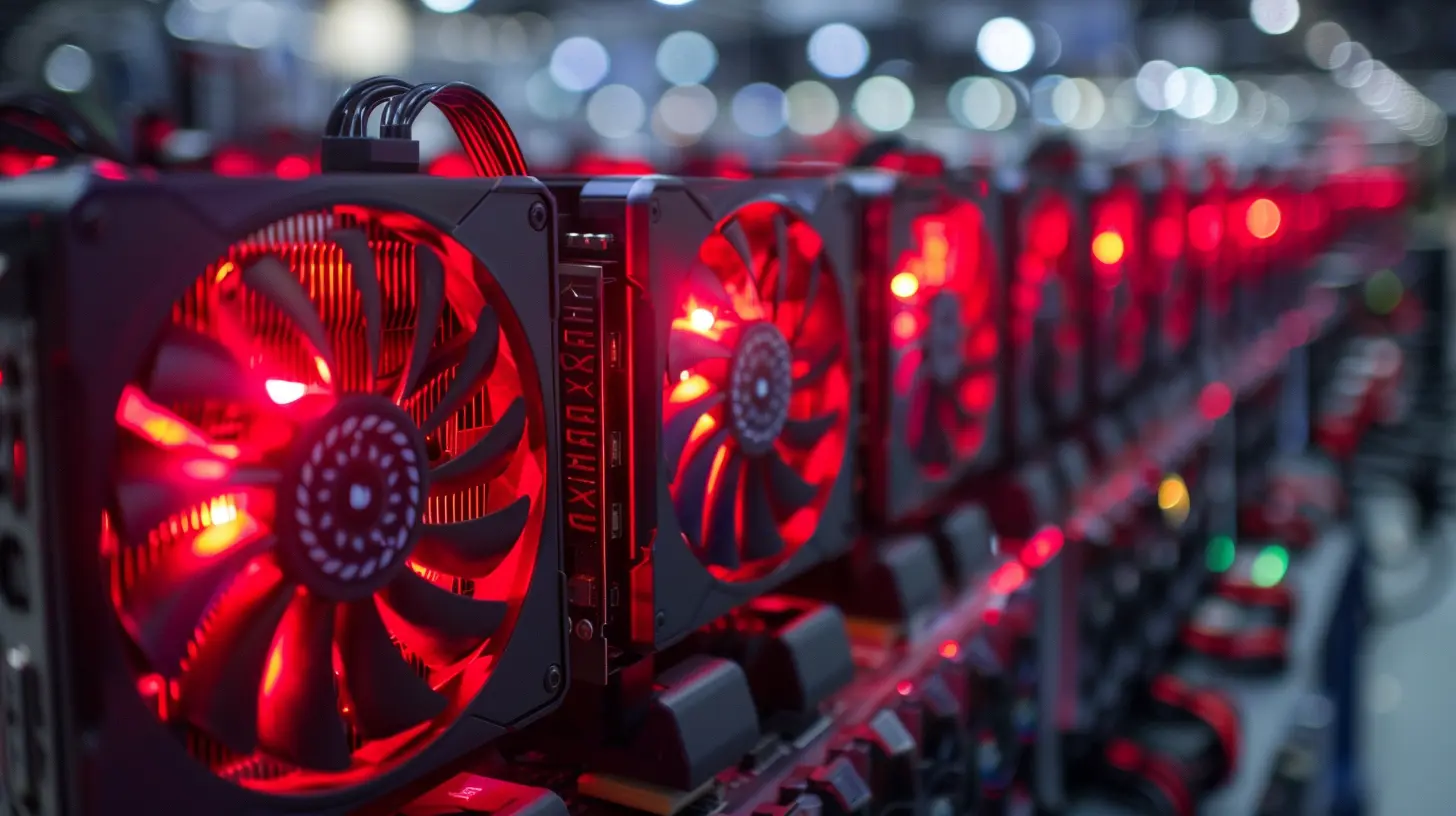
1. Air Cooling: The Budget-Friendly Classic
How Does Air Cooling Work?
Air cooling is the most common and affordable cooling solution. It uses heatsinks and fans to dissipate heat from your CPU and GPU. The basic principle? Pull in cool air, push out hot air. Simple yet effective.Benefits of Air Cooling
- Cost-Effective – Air coolers are significantly cheaper than liquid cooling options.- Easy to Install – No tubes, no leaks, no stress.
- Reliable & Low Maintenance – Fewer moving parts mean fewer things that can go wrong.
Best Air Coolers for Gaming
- Noctua NH-D15 – A beast of an air cooler with excellent thermal performance.- Cooler Master Hyper 212 Black Edition – A solid budget-friendly option.
- Be Quiet! Dark Rock Pro 4 – Silent and powerful cooling.
While air cooling works well for most builds, if you're pushing an overclocked CPU or running intense workloads, you might need something more powerful. 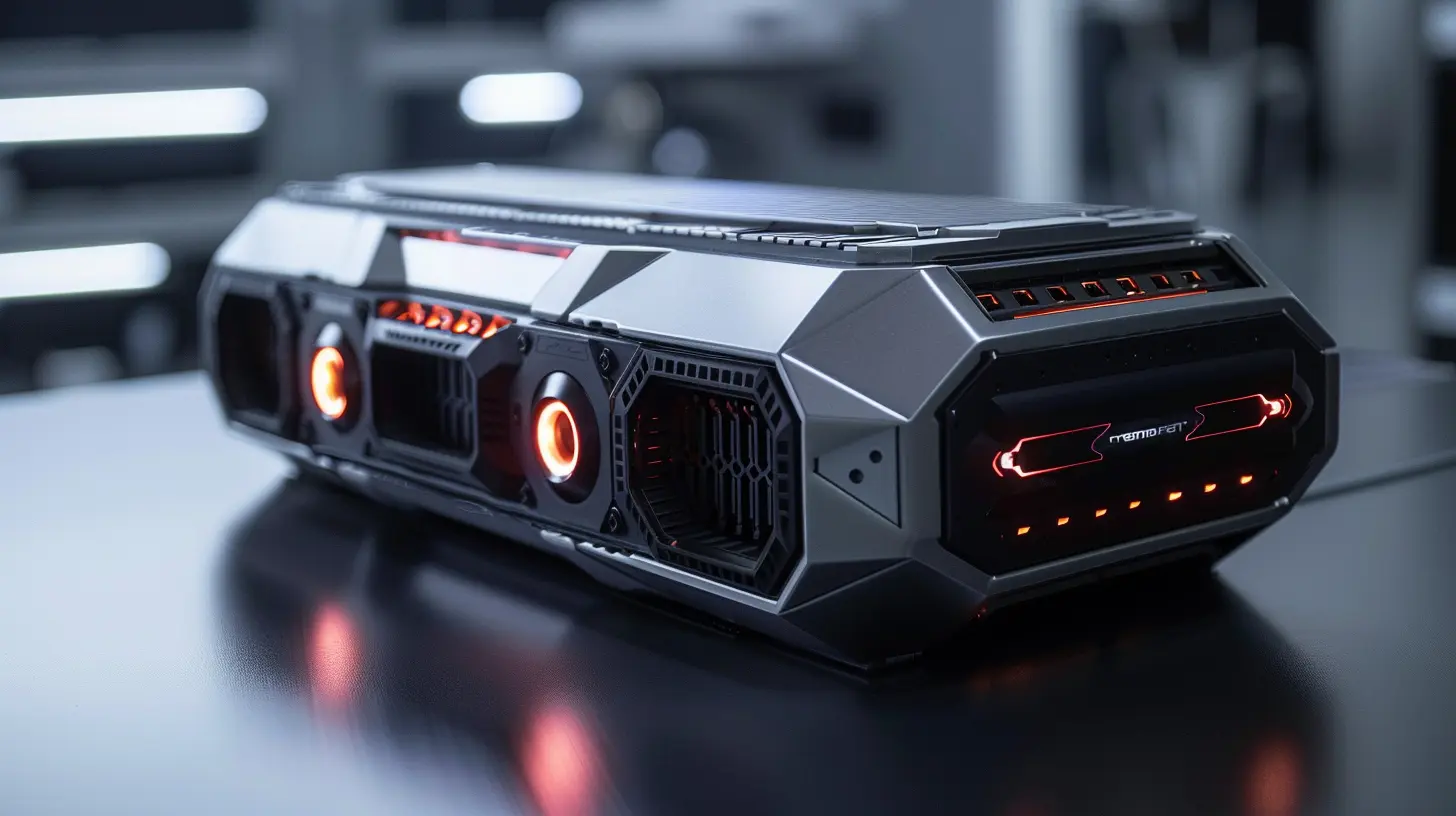
2. AIO Liquid Cooling: The Best of Both Worlds
What Is AIO (All-in-One) Cooling?
AIO coolers use liquid to absorb heat from your CPU and dissipate it through a radiator. It’s a middle-ground option between air cooling and full custom water loops.Why Choose AIO Cooling?
- Better Cooling Performance – Handles overclocking and high temperatures better than air coolers.- Sleek Aesthetic – RGB lighting, clean designs, and a futuristic look.
- More Compact than Air Coolers – Saves space compared to large air coolers.
Top AIO Coolers for Gaming
- NZXT Kraken X63 – Stunning design with great performance.- Corsair iCUE H150i Elite Capellix – Excellent cooling and customization options.
- Arctic Liquid Freezer II 280 – Fantastic cooling for the price.
AIO coolers are an excellent choice for gamers who want efficient cooling without the complexity of custom loops. 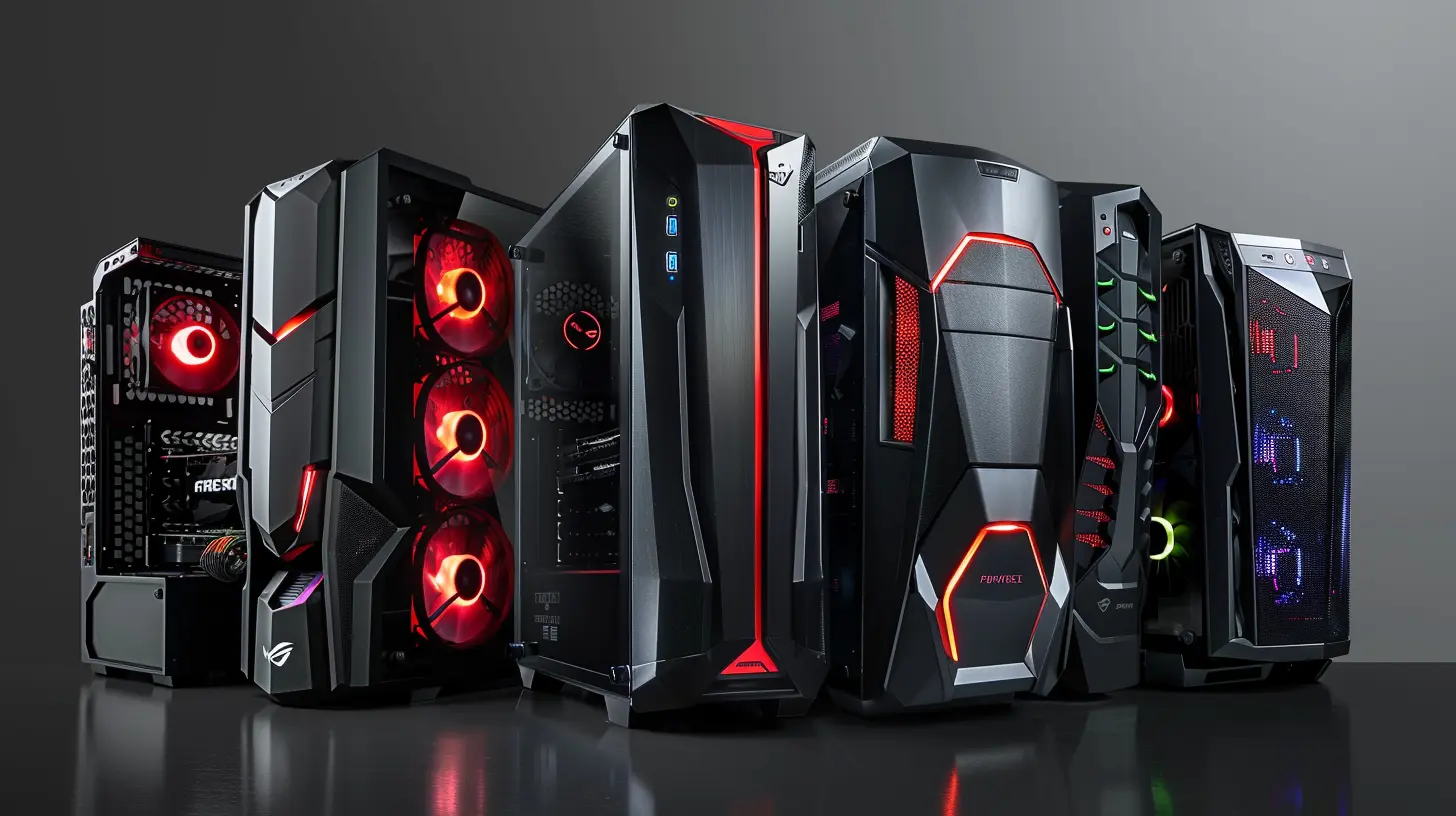
3. Custom Water Cooling: The Ultimate Choice for Enthusiasts
What Is Custom Loop Cooling?
A custom water-cooling loop is exactly what it sounds like—a custom-built system that circulates coolant through blocks on the CPU, GPU, and other components. This method offers insane cooling performance but requires a lot of work (and a decent budget).Pros and Cons of Custom Water Cooling
Pros✔ Maximum cooling performance
✔ Stunning aesthetics
✔ Handles overclocking like a champ
Cons
✖ Expensive
✖ Time-consuming to install
✖ Requires regular maintenance
Best Brands for Custom Water Cooling
- EKWB – High-quality water blocks and radiators.- Corsair Hydro X Series – Sleek, powerful, and reliable.
- Bitspower – Offers some of the best fitting and reservoirs.
If you want to build the coolest (literally) gaming rig ever, custom water cooling is the way to go.
4. Phase Change Cooling: Extreme Overclocking Solution
Ever wondered how overclockers push a CPU beyond 6GHz? The secret is Phase Change Cooling. It works similarly to a refrigerator, turning liquid coolant into a gas to absorb an insane amount of heat.Why don’t we all use it? Well, it’s overkill for most builds, incredibly expensive, and complicated to maintain. But if you're into extreme overclocking and world-record attempts, it’s an option to consider.
5. Hybrid Cooling: The Best of Both Worlds?
GPU manufacturers like MSI and EVGA have started incorporating hybrid cooling solutions, which use a combination of air and liquid cooling. These coolers typically feature a small radiator paired with a fan to cool both the GPU and VRAM efficiently.Best Hybrid GPU Coolers
- EVGA Hybrid RTX 3090 Ti- MSI Sea Hawk RTX 4080
Hybrid cooling is a great option if you want better GPU cooling without installing a full custom loop.
6. Case Airflow: The Unsung Hero of Cooling
No matter how good your CPU or GPU cooler is, poor airflow in your case can ruin everything. A well-ventilated case ensures that cool air enters and hot air exits efficiently.How to Improve Case Airflow
✅ Use high-quality case fans (Noctua, Corsair, or Phanteks make excellent choices).✅ Maintain a positive air pressure setup (more intake than exhaust for dust control).
✅ Keep cables tidy for unobstructed airflow.
✅ Choose a case with good ventilation, like the Lian Li PC-O11 Dynamic.
A cool gaming rig isn’t just about fancy coolers—it’s also about airflow management!
7. Thermal Paste: The Small But Mighty Upgrade
Thermal paste is often overlooked, but it plays a huge role in heat transfer between your CPU/GPU and their respective coolers.Best Thermal Pastes for Gaming PCs
- Thermal Grizzly Kryonaut – Ideal for extreme cooling.- Arctic MX-6 – Great balance of price and performance.
- Noctua NT-H2 – Reliable and long-lasting.
A good thermal paste can make a massive difference in temperatures, so don’t skimp out on this essential upgrade!
8. DIY Tips to Keep Your Gaming Rig Cool
Sometimes, you don’t need expensive hardware—just a few tweaks can improve temperatures. Here are some simple tricks:🔹 Keep Your PC Clean – Dust buildup = higher temps. Clean your fans and filters regularly!
🔹 Improve Room Ventilation – A hot room means a hot PC. Keep air circulating.
🔹 Manage Fan Curves – Adjust fan speeds in BIOS for optimized cooling without excessive noise.
🔹 Reapply Thermal Paste – If your temps are climbing, it may be time for fresh paste.
Final Thoughts
Keeping your gaming rig cool isn't just about slapping on a fancy cooler—it requires thoughtful planning, good airflow, and regular maintenance. Whether you go with air, AIO, or full custom water cooling, the goal is simple: maintain low temps, ensure stable performance, and extend your PC’s lifespan.So, what’s your go-to cooling solution? Share your thoughts in the comments below!
all images in this post were generated using AI tools
Category:
Computer HardwareAuthor:

Marcus Gray
Discussion
rate this article
2 comments
Kairoth Fuller
Unleashing the full potential of your gaming rig demands more than just powerful components; it requires top-tier cooling solutions! Embrace innovative technology to elevate your gameplay, maintain peak performance, and push boundaries. Stay cool, game hard, and let nothing stand in your way!
April 6, 2026 at 11:22 AM
Kieran McInerney
Great article! Effective cooling is crucial for gaming rigs. Your tips on liquid cooling vs. air cooling were especially helpful. Thanks for the insights!
April 3, 2026 at 10:50 AM
Marcus Gray
Thank you! I'm glad you found the tips helpful. Happy gaming!