How to Use Your Smart Speaker as a Personal Assistant
11 December 2025
Smart speakers have evolved from being cool gadgets that play music to powerful personal assistants that can handle a variety of everyday tasks. If you own a smart speaker like the Amazon Echo, Google Nest, or Apple HomePod, you may already be familiar with how they can control your smart home devices or play your favorite playlists. But did you know they can do so much more, like help you organize your day, manage your to-do lists, and even boost productivity?
In this article, we'll dive deep into how you can transform your smart speaker into a fully functional personal assistant. Whether you're a tech enthusiast or someone just looking to streamline day-to-day tasks, you'll be surprised at how these devices can revolutionize the way you live and work. So, without further ado, let’s start maximizing the potential of your smart speaker.

What is a Smart Speaker?
Before we get into the nitty-gritty of using your smart speaker as a personal assistant, let’s start with the basics. A smart speaker is a voice-activated device that listens to your commands and responds accordingly. These devices come equipped with built-in virtual assistants like:- Alexa (Amazon Echo)
- Google Assistant (Google Nest)
- Siri (Apple HomePod)
You can ask your smart speaker to perform tasks, answer questions, or control connected devices in your home. But there’s more to it than just the basics—your smart speaker can help you optimize your daily routine, making it the perfect personal assistant.

Why Use a Smart Speaker as a Personal Assistant?
So, why should you consider using your smart speaker as a personal assistant? Well, think about it—how much time do you spend on small but essential tasks during the day? Setting reminders, checking the weather, managing your calendar, or finding information online. These are all tasks that can easily eat up time.With a smart speaker, you can delegate these mundane but necessary tasks. Imagine having a personal assistant who can handle all of this while you focus on more important activities. It's like having a second brain that never forgets and is always ready to help. Plus, many tasks that require a phone or computer can now be done hands-free—how convenient is that?
Getting Started: Setting Up Your Smart Speaker
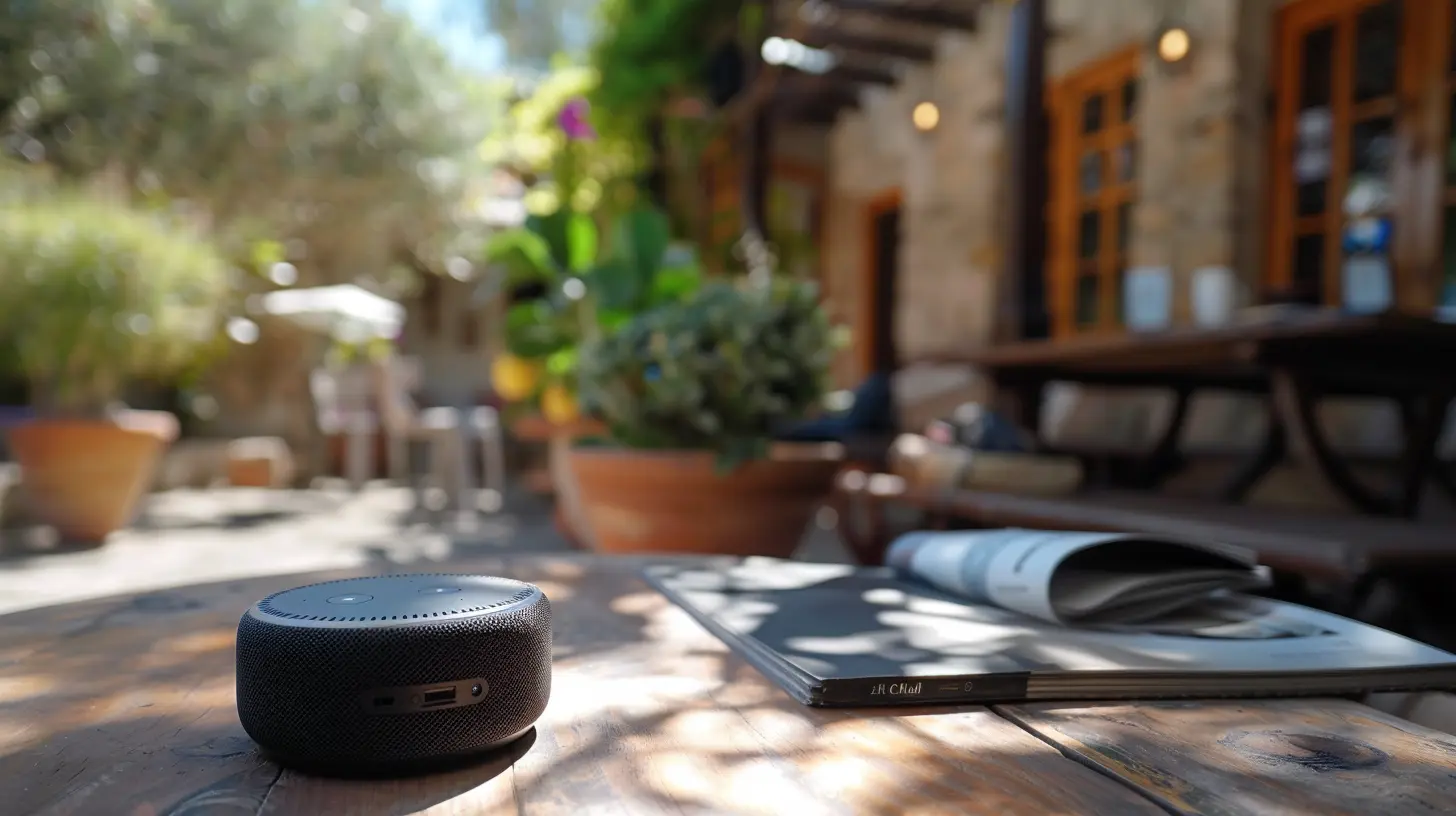
Before we jump into all the cool things your smart speaker can do, let’s make sure you’re all set up. The setup process for most smart speakers is pretty straightforward:1. Plug it in: Place your smart speaker in a central location where it can hear you clearly.
2. Download the app: Each smart speaker comes with its own companion app (Amazon Alexa, Google Home, Apple Home), which you'll need to connect your device to Wi-Fi.
3. Link your accounts: You’ll probably want to link your calendars, music services, and other apps to your smart speaker for a better experience.
4. Enable skills or actions: These are third-party apps that extend the functionality of your smart speaker. For example, you can enable skills for fitness tracking, recipe guides, or news updates.
Once everything is set up, you're good to go! Now, let’s explore how you can make the most of your smart speaker as a personal assistant.
Using Your Smart Speaker for Daily Organization
1. Set Reminders, Alarms, and Timers
One of the simplest but most effective ways to use your smart speaker as a personal assistant is by setting reminders, alarms, and timers. Whether you need to wake up at a certain time, remember to take your medication, or stop your cooking at just the right moment, your smart speaker has got you covered.- Example commands:
- "Alexa, remind me to call Mom at 3 PM."
- "Hey Google, set a timer for 10 minutes."
- "Siri, wake me up at 6:30 AM tomorrow."
These simple commands can save you from forgetting important tasks and help you stay on track throughout the day.
2. Manage Your Calendar
Need help keeping your schedule in check? Your smart speaker can sync with your calendar and act as your scheduling guru. From adding events to checking what’s on your agenda, it can keep you organized without you lifting a finger.- Example commands:
- "Alexa, add a meeting with John to my calendar on Friday at 2 PM."
- "Hey Google, what’s on my schedule for today?"
- "Siri, move my dentist appointment to next Wednesday."
This feature is a game-changer if you juggle multiple commitments or need to keep track of family events.
3. Create To-Do Lists
Say goodbye to sticky notes and handwritten lists. You can now create, manage, and track your to-do lists using your smart speaker. Whether it's for work, grocery shopping, or personal errands, your smart speaker can help you stay on top of everything.- Example commands:
- "Alexa, add 'buy milk' to my shopping list."
- "Hey Google, what’s on my to-do list?"
- "Siri, mark 'submit report' as done."
It’s like having a personal assistant that helps you stay productive without the clutter.
Boost Your Productivity with Voice Commands
4. Dictate Notes and Emails
One of the most underutilized features of a smart speaker is its ability to take notes or help draft emails. If you’re in the middle of something and don’t want to lose your train of thought, simply dictate your notes to your smart speaker.- Example commands:
- "Alexa, take a note: 'Call the client about the new proposal.'"
- "Hey Google, send an email to Sarah, subject: Meeting Change."
This is especially useful if you're multitasking or don’t have time to type things out manually.
5. Hands-Free Phone Calls
Gone are the days of fumbling with your phone to make a call. Your smart speaker can make hands-free calls for you, which is particularly handy if you're cooking, driving, or busy with something else.- Example commands:
- "Alexa, call John."
- "Hey Google, call Mom."
- "Siri, call my office."
This frees up your hands for other tasks while still allowing you to stay connected.
6. Set Up Routines
One of the most powerful features offered by smart speakers is the ability to set up routines. Routines allow you to automate multiple tasks with a single command. For instance, you can create a "Good Morning" routine that turns on the lights, reads your calendar, and starts the coffee maker—all with one voice command.- Example commands:
- "Alexa, create a morning routine."
- "Hey Google, start my evening routine."
By setting up routines, you can streamline your day and reduce the number of commands you need to give.
Managing Your Smart Home
7. Control Smart Home Devices
If you have smart home devices like lights, thermostats, or security cameras, your smart speaker can act as the command center. You can control these devices with simple voice commands, making it easier to manage your home environment.- Example commands:
- "Alexa, turn off the living room lights."
- "Hey Google, set the thermostat to 72 degrees."
- "Siri, lock the front door."
The ability to control your home hands-free is not only convenient but also adds a layer of futuristic coolness to your daily routine.
8. Monitor Your Home
Some smart speakers can also integrate with home security systems, allowing you to monitor your home while you're away. You can ask your device to show live feeds from security cameras or even alert you if it detects any unusual activity.- Example commands:
- "Alexa, show me the front door camera."
- "Hey Google, is the back door locked?"
This feature provides peace of mind and makes home security more accessible.
Fun and Entertainment
9. Entertainment Hub
Of course, no personal assistant is complete without a bit of fun! Your smart speaker can play your favorite music, podcasts, or audiobooks. You can also ask for jokes, trivia, or even play interactive games.- Example commands:
- "Alexa, play my workout playlist."
- "Hey Google, tell me a joke."
- "Siri, read the latest news."
By integrating entertainment into your day, your smart speaker can help you unwind or stay motivated.
10. Learn Something New
Your smart speaker can also act as a tutor or research assistant. Want to learn a new language, get a quick fact, or even hear a motivational quote? Just ask, and your smart speaker will deliver.- Example commands:
- "Alexa, teach me some French."
- "Hey Google, what’s the capital of Japan?"
- "Siri, give me a motivational quote."
With access to a world of knowledge, your smart speaker can make learning a fun and easy part of your daily routine.
Final Thoughts: The Future of Personal Assistants Is Here
In today’s fast-paced world, it’s easy to feel overwhelmed by the constant influx of tasks and information. But by using your smart speaker as a personal assistant, you can regain control and streamline your day-to-day activities. From managing your schedule to controlling your home, these devices can help you stay organized, productive, and entertained—without breaking a sweat.So, if you haven’t already, start using your smart speaker to its full potential. You’ll be amazed at how much easier life becomes when you have a virtual assistant always ready to help.
all images in this post were generated using AI tools
Category:
Smart SpeakersAuthor:

Marcus Gray
Discussion
rate this article
2 comments
Tyler Kirkland
Using my smart speaker as a personal assistant is great—except now it judges my Spotify choices and reminds me to hydrate like my mom. At least it doesn’t nag about my snack habits!
December 31, 2025 at 3:53 AM
Marcus Gray
Thanks for sharing your experience! Smart speakers can definitely offer a mix of support and playful reminders. Just think of it as your tech-savvy companion looking out for you!
Franklin Wheeler
Unleash your smart speaker's potential! Transform your daily tasks into seamless efficiency and elevate your life today!
December 12, 2025 at 4:41 AM
Marcus Gray
Thank you! Embracing smart speakers can truly enhance daily productivity and simplify tasks. Happy listening!