How to Use Smart Speakers for Hands-Free Cooking in the Kitchen
13 February 2026
Let’s face it—cooking today isn’t just about recipes and ingredients. It’s about convenience, multitasking, and finding clever ways to make your kitchen time smoother. One game-changer that’s been stirring up kitchens everywhere? Smart speakers.
Whether you're juggling a hot pan, chopping veggies, or trying to follow grandma’s secret recipe, smart speakers can be your hands-free sidekick. In this post, we’re diving deep into how to use smart speakers for hands-free cooking in the kitchen. From setting timers with your voice to pulling up recipes and creating grocery lists, we've got your back.
So, ready to cook up something awesome? Let’s get to it.
What Are Smart Speakers, Anyway?
Before we jump into the spaghetti and sauce of it all, let’s get clear on what a smart speaker actually is.Smart speakers are voice-activated devices that connect to virtual assistants like Alexa (Amazon), Google Assistant (Google), or Siri (Apple). You speak, they listen, and boom—they do stuff for you. They can play music, control smart home gadgets, search the web, and yes… they can help you whip up a mean lasagna without you touching a single button.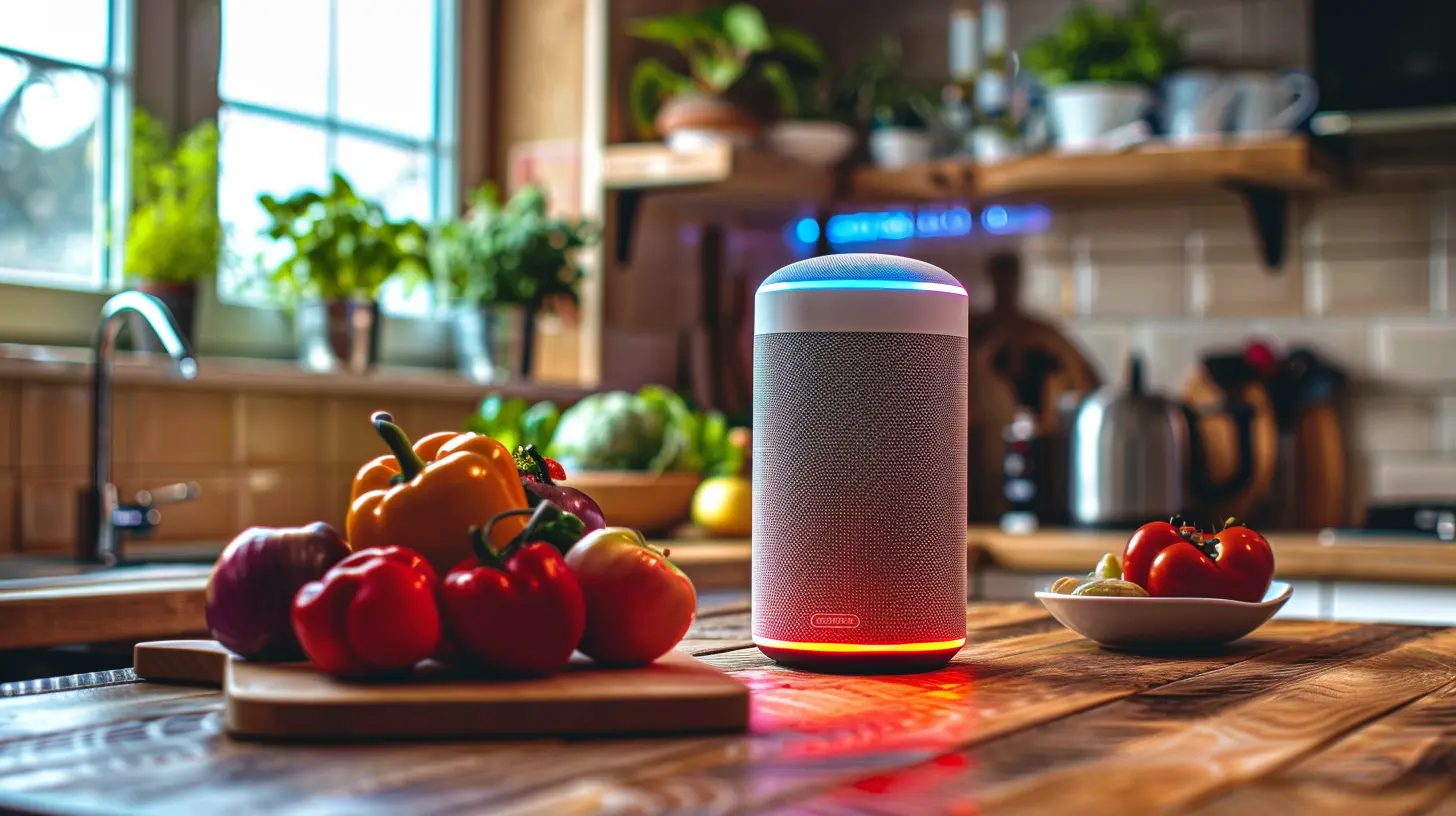
Why Use Smart Speakers in the Kitchen?
Think about the kitchen for a sec. It's messy, busy, and usually filled with the delightful scent of something delicious (or disastrous). Trying to use your phone with greasy hands? No thanks. Smart speakers cut the chaos by letting your voice do the work.The Convenience Factor
Hands full of dough? No problem. Just say, “Hey Google, set a timer for 15 minutes.” That’s it. Your assistant’s on it while you get back to kneading.Safety First
Touching screens while cooking means you’re spreading germs—especially if you’re handling raw meat. Smart speakers help keep things hygienic and safe.Time Saver
Instead of flipping pages or scrolling through a phone, all you need is your voice. Fast, efficient, and distraction-free.
Top Smart Speakers for Kitchen Use
Here’s a quick peek at some of the stars of the smart speaker world:- Amazon Echo (Alexa) – Great for recipe skills and grocery lists.
- Google Nest Audio – Perfect for Google-powered voice searches.
- Apple HomePod Mini – Ideal for Apple users who want Siri integration.
Each of these comes with its own perks, but the idea’s the same: hands-free help when you need it most.
1. Hands-Free Recipe Search
Ever tried cooking with one hand while holding your phone in the other? Spoiler alert: it doesn’t end well.Ask and You Shall Receive
Smart speakers can pull recipes straight from the internet. Just say something like:- “Alexa, how do I make banana bread?”
- “Hey Google, give me a recipe for chicken parm.”
And boom—step-by-step guidance, all read aloud to you.
Follow-Along Instructions
Some smart assistants even let you go step-by-step, so you can say “Next step” or “Repeat that” without manually doing anything. It’s like having your own personal sous-chef who never complains.2. Set Multiple Timers Without Lifting a Finger
Got cookies in one oven and veggies roasting in another? Set separate timers like a boss.“Hey Alexa, set a timer for cookies for 12 minutes. And another timer for veggies for 20 minutes.”
Yes, smart speakers can handle multiple timers with names and all. No more mixing up your dishes or trying to remember what you started when.
3. Create and Manage Grocery Lists Instantly
Ever realized mid-cook that you’re out of olive oil again? Don’t stop what you’re doing—just say:- “Hey Siri, add olive oil to my shopping list.”
Your smart speaker can maintain your ongoing grocery list and even sync it with your phone. Next time you’re at the store... voila, everything you need’s in your app.
4. Convert Measurements and Units Easily
Don’t know how many ounces are in a cup? No shame in that. We’ve all been there.Just ask:
- “Hey Google, how many tablespoons are in a quarter cup?”
- “Alexa, convert 400 grams to ounces.”
Your speaker’s got your back with rapid conversions. No math degree needed.
5. Play Music and Podcasts While You Cook
Let’s be honest—cooking is 10x better with some music. Whether you're into jazz, lo-fi, or your favorite true-crime podcast, your smart speaker’s got you.Just say something like:
- “Hey Alexa, play some chill cooking music.”
- “Hey Google, play The Daily podcast.”
Cue the good vibes.
6. Smart Home Integration for Even More Kitchen Control
If you’ve got smart appliances, lights, or thermostats, your smart speaker can be the control center.- Adjust your smart oven temperature.
- Turn lights on or off without touching a switch.
- Check the weather without leaving your cutting board.
It's like turning your kitchen into a sci-fi set—but real, and super useful.
7. Ask for Substitutions in Real Time
Run out of buttermilk? Don’t panic.- “Hey Google, what’s a substitute for buttermilk?”
- “Alexa, can I use baking soda instead of baking powder?”
Get instant cooking hacks without digging through Google yourself.
8. Get Nutritional Information On Demand
If you're counting calories or just being mindful of what you eat, your smart speaker can help.- “Hey Siri, how many calories are in an avocado?”
- “Hey Google, is quinoa gluten-free?”
Knowledge is power, and now it’s just a voice command away.
9. Hands-Free Calling for Those Quick Recipe Questions
Remember that time you forgot how Aunt Linda makes her killer stuffing? Call her—hands-free.- “Hey Alexa, call Aunt Linda.”
- “Hey Siri, FaceTime Mom.”
Sometimes, the best recipes aren’t online—they’re in our families.
Tips to Maximize Your Smart Speaker Experience in the Kitchen
1. Keep It Clean
Consider placing your smart speaker somewhere central but away from direct splashes. You can even get washable silicone covers or cases to keep it safe.2. Use Smart Displays
If you want visuals too, go for smart displays like the Echo Show or Google Nest Hub. You’ll have pictures, videos, and voice control—best of both worlds.3. Personalize Your Assistant
Teach your assistant your preferences. You can save favorite recipes, create custom routines, and even set up meal planning reminders with the right settings.4. Practice Voice Commands
These assistants aren’t perfect—yet. The more you use them, the better they understand your commands. It’s a friendly learning curve.Are There Any Downsides?
Of course, no tech is spotless. Here's what you might bump into:- Privacy Concerns: Some people worry about smart speakers “listening.” If that’s a dealbreaker, consider muting the mic when not in use.
- Wi-Fi Dependency: No Wi-Fi? No smart speaker. These devices need a strong connection to do their thing.
- Learning Curve: If you’re new to voice tech, it might take a few tries before it clicks.
But hey, for most users, the pros massively outweigh the cons.
Final Thoughts: Should You Use a Smart Speaker in the Kitchen?
Is a smart speaker going to make you the next MasterChef? Maybe not. But will it make your kitchen time easier, more fun, and way less stressful? Absolutely.From hands-free timers and recipe walkthroughs to real-time measurement conversions and grocery lists, a smart speaker adds a whole new layer of convenience. It’s like having a kitchen assistant who never gets tired and doesn’t steal bites off your spoon.
So go on—talk to your tech, and let your smart speaker help you cook like a pro.
Bon appétit!
all images in this post were generated using AI tools
Category:
Smart SpeakersAuthor:

Marcus Gray
Discussion
rate this article
2 comments
Lara Davis
This article effectively highlights how smart speakers enhance cooking efficiency, making meal prep more enjoyable and accessible for everyone.
February 28, 2026 at 1:14 PM
Marcus Gray
Thanks for your feedback! I'm glad you found the article helpful for making cooking more enjoyable.
Wolf McGillivray
Ever considered letting your smart speaker be the sous-chef of your dreams? Just imagine it reciting fancy recipes while you juggle veggies like a culinary circus performer. Who knew the secret ingredient to a tasty dish was a dash of tech wizardry?
February 15, 2026 at 12:39 PM
Marcus Gray
Thanks for the fun imagery! Exactly—think of it as your digital sous-chef, minus the attitude and with perfect timing for every step.