How to Create a Multi-Room Audio Setup with Smart Speakers
5 June 2026
Music has the power to transform the vibe of your home. Whether you're hosting a party, unwinding after a long day, or simply want the same song playing seamlessly in multiple rooms, a multi-room audio setup with smart speakers can make it happen.
Gone are the days when you had to crank up the volume in one room just to hear your music in another. With a well-planned smart speaker setup, you can enjoy synchronized playback in every corner of your house. Sounds cool, right?
In this guide, I’ll walk you through the entire process of setting up multi-room audio with smart speakers—step by step. 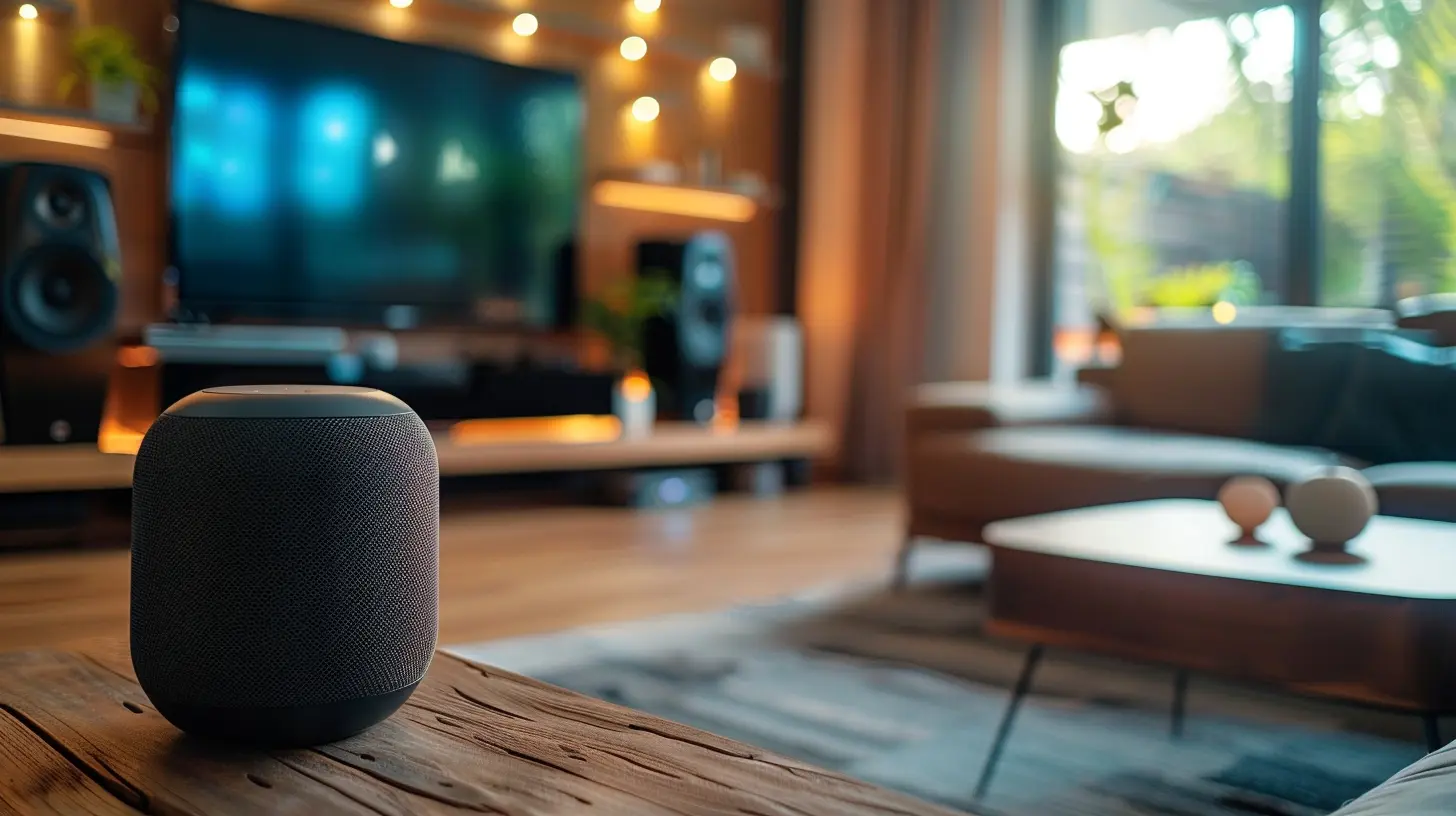
Why Set Up a Multi-Room Audio System?
Before we dive into the how-to, let’s talk about the why. Is a multi-room speaker setup really worth it?1. Seamless Music Everywhere
Imagine walking from your kitchen to your living room without missing a beat of your favorite song. With a multi-room setup, music flows seamlessly throughout your home.2. Independent Room Control
Want to play classical music in the bedroom but rock music in the garage? No problem! Multi-room setups let you control audio in each space independently.3. Voice Control & Automation
Most smart speakers integrate with digital assistants like Alexa, Google Assistant, or Siri, making it easy to control your music with simple voice commands.4. Enhanced Home Entertainment
Whether you're watching a movie or hosting a party, a multi-room system levels up your entertainment experience.
Step 1: Choose the Right Smart Speakers
Not all smart speakers are created equal. To set up a seamless system, you need compatible speakers. Here are some top choices:1. Amazon Echo (Alexa-Powered)
Great for Alexa users, Echo devices sync effortlessly and work well with Amazon Music, Spotify, and more.2. Google Nest Speakers (Google Assistant-Powered)
Perfect for Google ecosystem lovers, Nest speakers provide high-quality sound and integrate with Chromecast.3. Apple HomePod (Siri-Powered)
If you're deep into Apple’s ecosystem, HomePods offer excellent sound and work flawlessly with Apple Music and AirPlay 2.4. Sonos Speakers
A great option if you're looking for premium sound quality and cross-platform compatibility.> Tip: Sticking with one ecosystem (Amazon, Google, or Apple) ensures a more seamless experience. 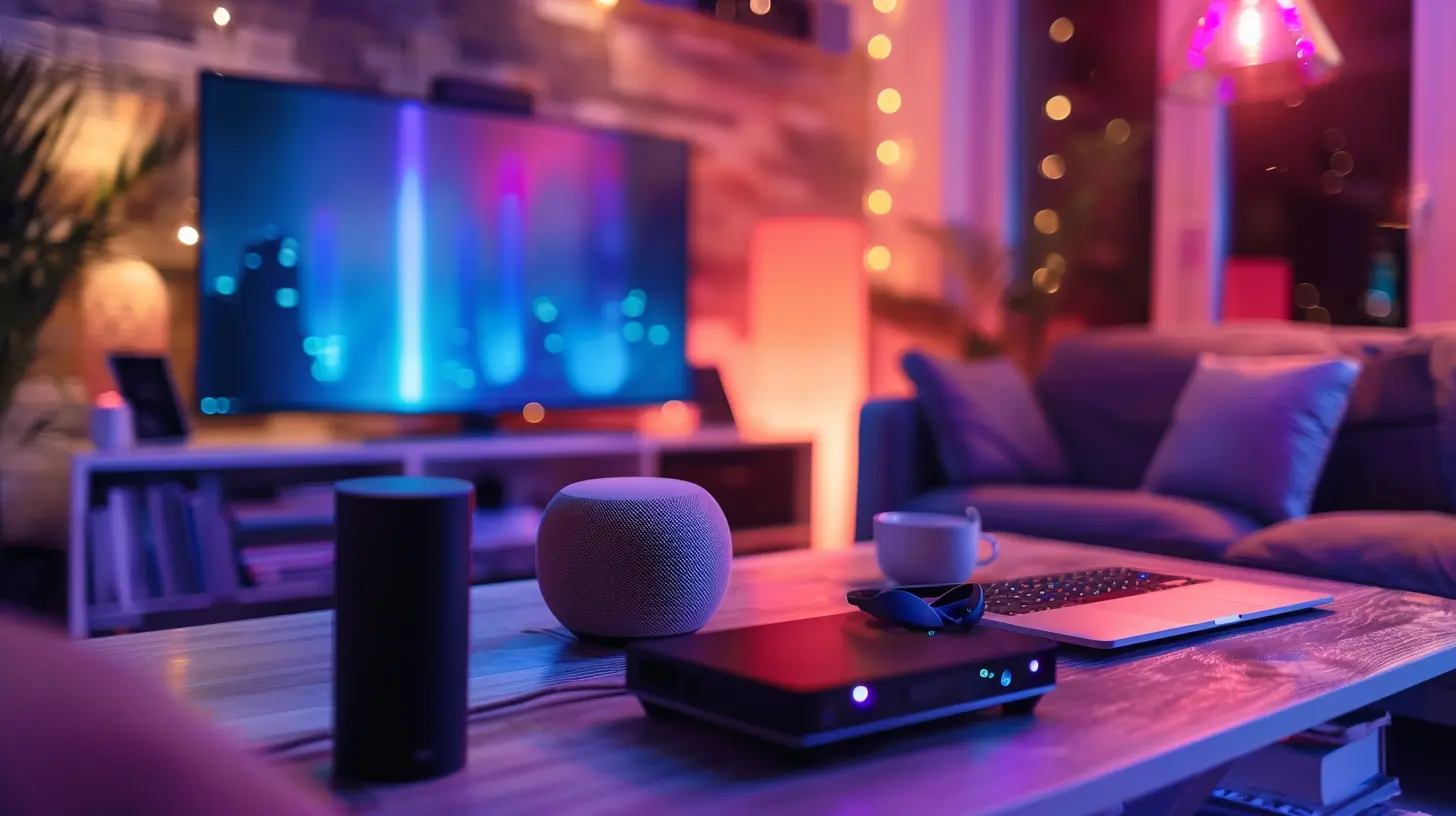
Step 2: Set Up Your Smart Speakers
Once you've chosen your speakers, it's time to set them up.1. Connect Your Speakers to Wi-Fi
All smart speakers require a stable Wi-Fi connection. Make sure your home network is strong, especially in the rooms where you plan to place speakers.2. Download the Companion App
Each brand has its own app:- Alexa app for Echo devices
- Google Home app for Nest speakers
- Apple Home app for HomePods
- Sonos app for Sonos speakers
These apps allow you to set up and manage multi-room audio. 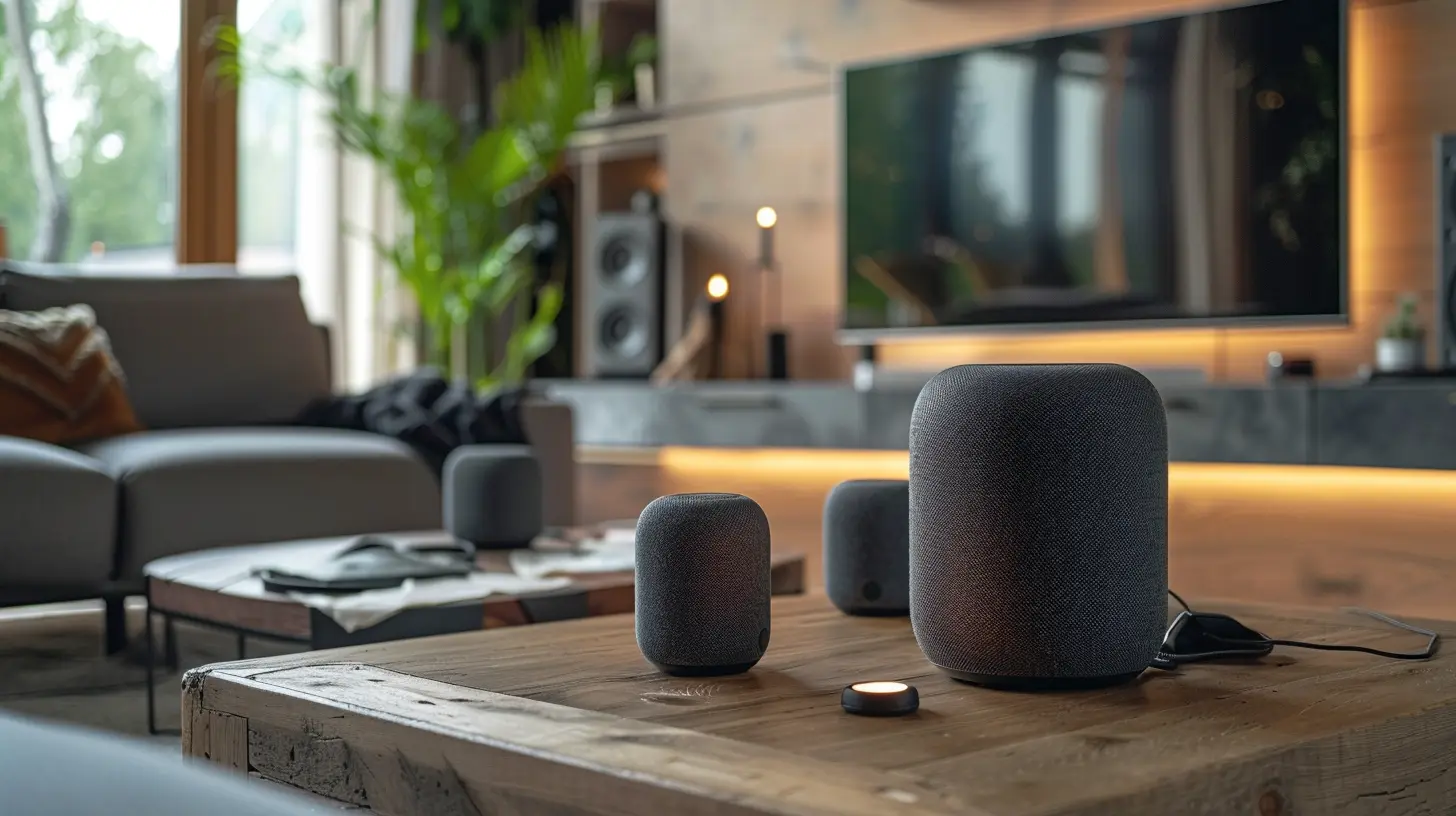
Step 3: Group Your Speakers for Multi-Room Audio
Now for the exciting part—linking your speakers for synchronized playback!For Amazon Echo (Alexa Devices):
1. Open the Alexa app.2. Go to Devices > Plus (+) > Combine Speakers.
3. Select Multi-room music and name your group (e.g., "Whole House").
4. Choose the Echo devices to include and save the settings.
For Google Nest Speakers:
1. Open the Google Home app.2. Tap Add > Create Speaker Group.
3. Select the speakers you want to group.
4. Name the group and save the settings.
For Apple HomePods:
1. Open the Apple Home app.2. Press and hold one HomePod, then select Settings > Create Stereo Pair (for two paired speakers).
3. Use AirPlay 2 for multi-room playback by selecting multiple speakers when playing audio from an iPhone or Mac.
For Sonos Speakers:
1. Open the Sonos app.2. Go to Settings > System > Groups.
3. Select the rooms you want to group together.
> Pro Tip: Give your speaker groups simple, easy-to-remember names like "Upstairs", "Downstairs", or "Everywhere" for quicker voice commands.
Step 4: Play Music Like a Pro
Now that your multi-room setup is ready, it’s time to test it out!Playing Music Using Voice Commands:
- For Alexa: "Alexa, play jazz in the Living Room."- For Google Assistant: "Hey Google, play my party playlist in the Kitchen."
- For Siri: "Hey Siri, play music on all speakers."
Playing Music from Streaming Services:
Most smart speakers support popular streaming platforms like:- Spotify
- Apple Music
- Amazon Music
- YouTube Music
- Pandora
To select a default service, configure it in your speaker’s companion app.
Step 5: Fine-Tune Your Audio Setup
To get the best sound experience, consider these adjustments:1. Speaker Placement Matters
Position speakers at ear level and avoid placing them in tight corners where sound may be muffled.2. Adjust EQ Settings
Some apps allow custom EQ settings—tweak bass, treble, and mids to suit your taste.3. Enable Multi-User Voice Recognition
If multiple people use the system, set up voice recognition for personalized music preferences.4. Schedule Music for Automation
Using Alexa Routines or Google Home Automation, schedule music playback at specific times—like soft instrumental music in the morning or upbeat tunes in the evening.Bonus: Expand Your Audio Experience
If you want to take your setup to the next level, here are a few advanced options:1. Add Smart Displays
Smart displays like the Echo Show or Google Nest Hub let you control music visually, display lyrics, or even watch music videos.2. Connect to a Soundbar or Home Theater
Many smart speakers can sync with soundbars, enhancing your TV-watching experience.3. Use Bluetooth for Non-Smart Speakers
If you have older speakers, connect them via Bluetooth or a multi-room receiver like Amazon Echo Input or Google Chromecast Audio.Conclusion
Setting up a multi-room audio system with smart speakers is easier than ever. With the right devices and a little setup, you can have music flowing through every room in your home.Whether you’re hosting friends, unwinding with a playlist, or simply enhancing your daily routine, a well-planned multi-room speaker setup will change the way you experience sound at home.
So, what are you waiting for? Start setting up your smart speakers today and turn your home into an audio paradise!
all images in this post were generated using AI tools
Category:
Smart SpeakersAuthor:

Marcus Gray
Discussion
rate this article
1 comments
Genevieve McCloud
Let melodies weave through walls, where every room sings in harmony, a symphony of sound.
June 10, 2026 at 10:38 AM
Marcus Gray
Absolutely, transforming your home into a musical haven can be magical! Smart speakers make it easy to fill every room with your favorite tunes.