How to Build a Smart Home Ecosystem Around Your Speaker
1 March 2026
Smart home technology is evolving at lightning speed, making it easier than ever to automate your home. But a central question remains—what's the heart of your smart home? For many, the answer is a smart speaker. Whether it’s an Amazon Echo, Google Nest Audio, or Apple HomePod, your smart speaker can be the command center of your connected home.
So, how do you build a smart home ecosystem around your speaker? Let’s break it down step by step, making sure your devices work seamlessly together. 
Why Make Your Smart Speaker the Hub of Your Home?
A smart home without a hub is like a car without a steering wheel—somewhat functional, but missing its full potential. Your smart speaker acts as the brain of your home, allowing you to control everything with simple voice commands.Here’s why your smart speaker should be the core of your smart home:
- Voice Control – Hands-free convenience for controlling lights, thermostats, locks, and more.
- Automation – Set up routines to trigger multiple actions with a single command.
- Device Compatibility – Works with a wide range of smart home devices from different brands.
- Entertainment Hub – Streams music, answers questions, and even tells jokes.
Now that we understand the why, let’s dive into the how. 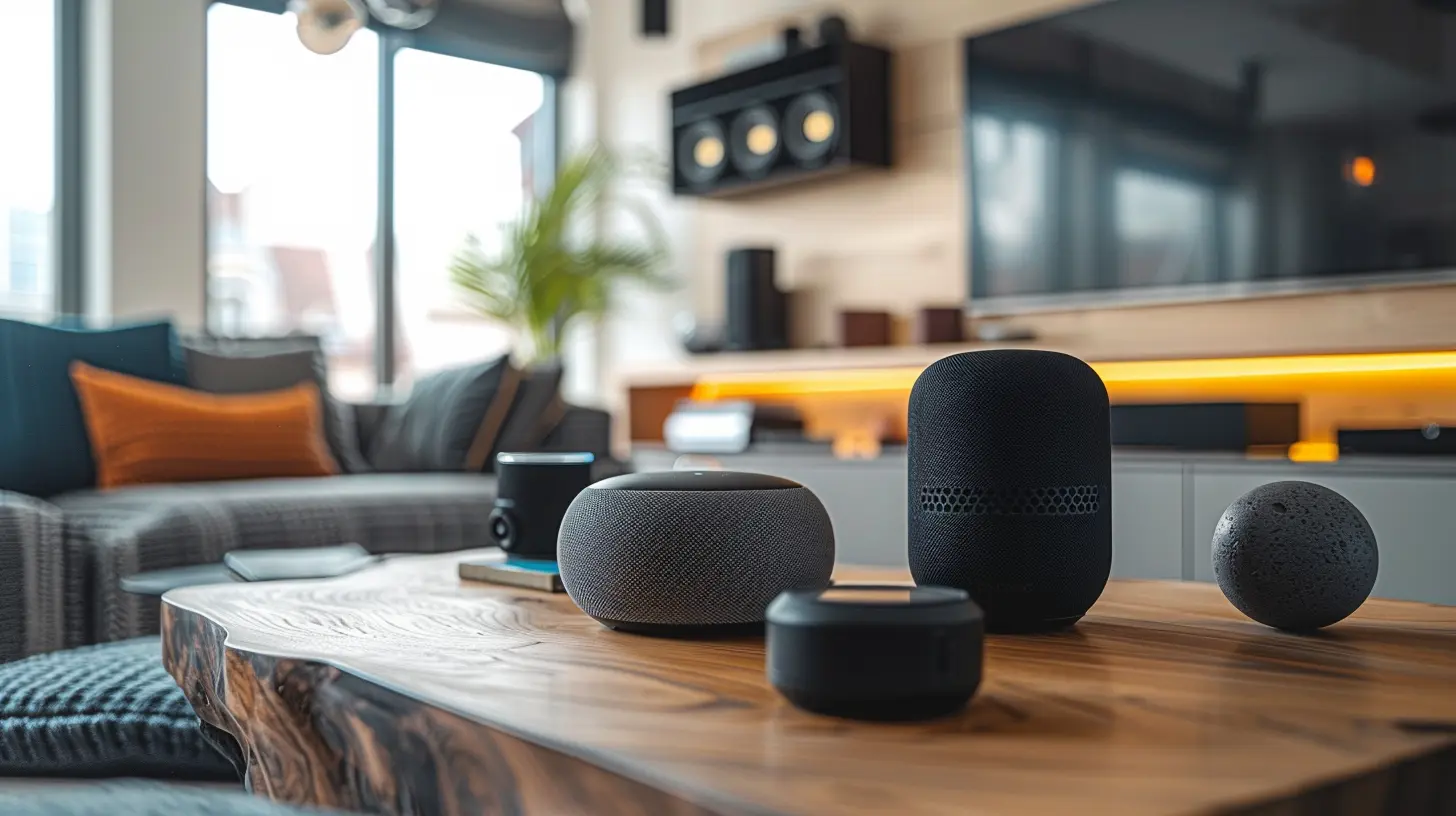
Step 1: Pick the Right Smart Speaker
Not all smart speakers are created equal. Choosing the right one depends on which ecosystem you prefer:| Smart Speaker | Voice Assistant | Best For |
|--------------|----------------|----------|
| Amazon Echo | Alexa | Best for variety and third-party integration |
| Google Nest Audio | Google Assistant | Best for AI and search |
| Apple HomePod | Siri | Best for Apple users and privacy |
If you’re already in the Apple ecosystem, a HomePod makes sense. If you use a lot of Google services, Nest Audio is a strong contender. And if you want the widest compatibility with smart home devices, Amazon Echo is the way to go.
Once you’ve chosen your smart speaker, it’s time to build around it. 
Step 2: Connect Essential Smart Home Devices
Now, let’s talk about the key smart home devices that will make your home smarter.1. Smart Lights
Smart bulbs and switches let you control lighting with your voice, phone, or automation. Popular options include:- Philips Hue – Premium color-changing bulbs
- LIFX – No hub required, bright lighting
- TP-Link Kasa – Budget-friendly with solid features
💡 Pro Tip: Set up routines like "Good Morning" to gradually brighten your lights!
2. Smart Plugs
Transform ordinary devices into smart devices. With brands like TP-Link Kasa, Wemo, or Amazon Smart Plug, you can control lamps, coffee makers, or even holiday lights with your voice.3. Smart Thermostat
Want to save on energy bills? A smart thermostat learns your habits and adjusts the temperature accordingly. The top smart thermostats include:- Nest Learning Thermostat – Adapts to your schedule automatically
- Ecobee SmartThermostat – Built-in Alexa, great for voice commands
With a simple, "Hey Google, set the temperature to 72 degrees," you’re in control of your home’s climate.
4. Smart Locks & Doorbells
Upgrade your home’s security with:- August Smart Lock – Works with existing deadbolts
- Schlage Encode – Wi-Fi lock with built-in keypad
- Ring Video Doorbell – Lets you see who's at your door from anywhere
Now, you can unlock doors hands-free or see who’s knocking even when you're away.
5. Smart Security Cameras
Keep an eye on your home with:- Arlo Pro 4 – Wireless and weather-resistant
- Google Nest Cam – Great AI detection with Google Assistant
- Blink Outdoor – Budget-friendly and battery-powered 
Step 3: Set Up Smart Home Routines
Now that your devices are connected, let’s automate them!Morning Routine
- Your lights slowly brighten.- Your thermostat adjusts to a comfortable temperature.
- Your smart speaker reads you the news and weather.
- Your coffee maker (connected to a smart plug) turns on automatically.
Night Routine
- Lights dim or turn off.- Doors lock automatically.
- Security cameras activate.
- Your smart speaker plays relaxing music or white noise.
With automation, your smart home works for you without you lifting a finger.
Step 4: Expand with Smart Entertainment
A smart speaker isn’t just for automation—it’s also a home entertainment hub.Smart TVs & Streaming Devices
Link your smart speaker with devices like:- Chromecast with Google TV
- Amazon Fire TV Stick
- Apple TV 4K
Now, just say, "Alexa, play Stranger Things on Netflix," and you’re good to go!
Multi-Room Audio
Want to play music in every room? Group smart speakers together for seamless multi-room audio. Whether you’re cooking, cleaning, or hosting a party, your favorite tunes follow you everywhere.Step 5: Use Smart Home Apps to Control Everything
To keep everything running smoothly, use the right apps:- Alexa App (Amazon Echo)
- Google Home App (Google Assistant)
- Apple Home App (Siri/HomeKit)
These apps let you:
✔️ Add and control devices
✔️ Create routines and automation
✔️ Manage settings and preferences
Step 6: Ensure Privacy & Security
With all these connected devices, privacy is crucial. Take these steps to protect your data:- Use strong passwords for your smart home accounts.
- Enable two-factor authentication where possible.
- Review app permissions and disable unnecessary features.
- Mute microphones on your smart speaker when not in use.
Remember—convenience shouldn’t come at the cost of security!
Final Thoughts
Building a smart home ecosystem around your speaker is easier than ever. With the right speaker, devices, and automation, your home becomes smarter, more efficient, and way more fun.Ready to get started? Pick your smart speaker, connect your devices, and enjoy the incredible convenience of a fully integrated smart home!
all images in this post were generated using AI tools
Category:
Smart SpeakersAuthor:

Marcus Gray
Discussion
rate this article
2 comments
Rune McNulty
Great insights in this article! Building a smart home around your speaker opens up endless possibilities for convenience and fun. Excited to implement these tips and enhance my living space. Thanks for sharing!
March 3, 2026 at 8:28 PM
Marcus Gray
Thank you for your kind words! I'm glad you found the tips helpful—enjoy building your smart home!
Fallon Rios
Transform your space into a tech haven! With just a few steps, you can create a cozy and connected smart home that sings your praises!" 🎶🏠✨
March 1, 2026 at 12:39 PM
Marcus Gray
Thanks for the enthusiasm! Creating a cozy smart home around your speaker really enhances the experience. Let’s dive into those steps! 🎶🏠✨