Thunderbolt vs. USB-C: What’s the Difference and Why It Matters
20 January 2026
Let's be honest—keeping up with tech jargon can sometimes feel like trying to decode an alien language. One moment you're shopping for a new laptop, and the next, you're lost in a sea of ports, cables, and standards. Two of the most commonly confused terms? Thunderbolt and USB-C.
They look exactly the same. They use the same port. They even use the same cable sometimes. So, what's the deal? Are Thunderbolt and USB-C the same thing? Can you just plug in any cable and expect lightning-fast speeds?
Well, not quite.
In this article, we're going to dig deep into the differences between Thunderbolt and USB-C, why it matters (especially for your tech setup), and which one you should be using. Don’t worry—we’ll keep things simple and human. By the end, you'll be the go-to tech guru among your friends. Sounds good? Let’s dive in.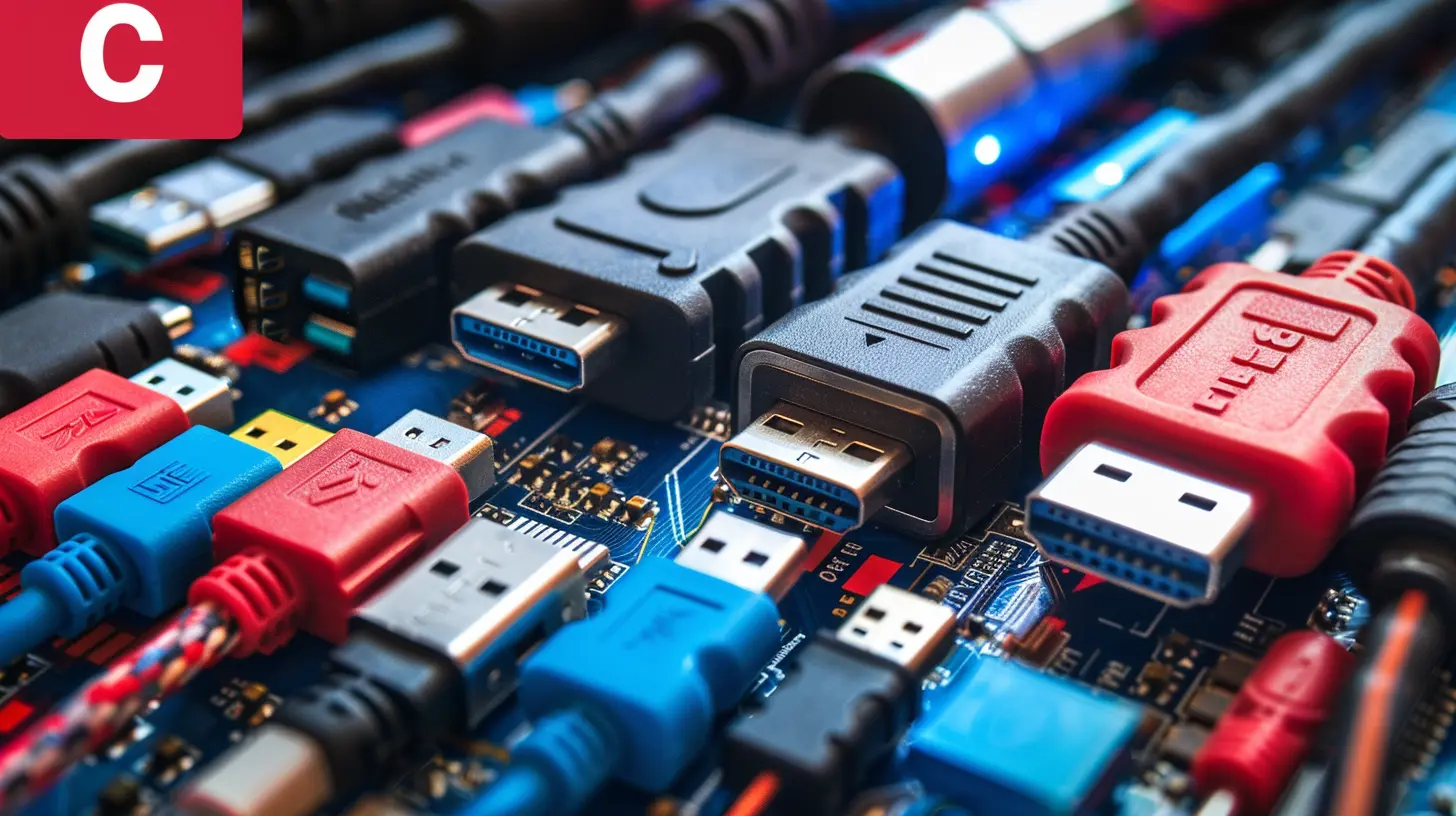
First Things First: What is USB-C?
USB-C (or USB Type-C) is the modern, oval-shaped port that’s taken over everything from laptops to phones to monitors. If you’ve bought a new gadget in the last few years, chances are you’ve come across it.Here’s what makes USB-C awesome:
- It’s reversible (no more flipping the cable three times).
- It handles data, power, and video.
- It supports USB 3.2, USB4, and even—surprise—Thunderbolt.
But USB-C is just the shape of the connector. Think of it as the door. What happens behind that door? That’s where the real magic—or limitations—happen. And that's where Thunderbolt comes in.
So... What is Thunderbolt?
Thunderbolt is like the superhero version of USB-C. It uses the same port, but it's capable of way more power. It’s a hardware interface developed by Intel (with Apple originally in the mix) and it's known for its speed and versatility.Versions of Thunderbolt
Over the years, Thunderbolt has evolved:- Thunderbolt 1 & 2: Used Mini DisplayPort connectors. (Old school!)
- Thunderbolt 3: Adopted the USB-C connector. Game changer.
- Thunderbolt 4: Improved stability, security, and universal compatibility.
Each version got faster and more capable, but starting with Thunderbolt 3, it began sharing the same port type as USB-C. And that’s where the confusion began.
The Head-to-Head: Thunderbolt vs. USB-C
Let’s break this down pound-for-pound. Think of it like a techie UFC showdown.| Feature 🥊 | USB-C | Thunderbolt |
|-----------|--------|-------------|
| Port Shape | Same (USB-C) | Same (USB-C) |
| Data Transfer Speed | Up to 40 Gbps (especially with USB4) | Up to 40 Gbps |
| Video Output | Supports DisplayPort (via Alternate Mode) | Dual 4K displays or 1x 8K |
| Power Delivery | Up to 100W | Up to 100W |
| Daisy Chaining | Not supported | Yes, up to 6 devices |
| Compatibility | Widely Supported | Limited to Thunderbolt-enabled devices |
| Cable Requirements | Varies by version (some cheap cables are slow!) | Certified cables required for full performance |
At a glance, it seems like they’re pretty even, right? But dig a little deeper and you’ll see why Thunderbolt is the high-performance beast.
Why the Difference Matters (A Lot More Than You'd Think)
Now here’s the real kicker: not all USB-C ports are created equal.Just because a device has a USB-C port doesn't mean it supports Thunderbolt. That’s like assuming every car has a turbo engine just because it has four wheels.
So why does this matter? Here's where it hits home:
1. Data Transfer Speed
If you're a video editor, photographer, or someone moving around massive files—Thunderbolt is your best friend. Imagine transferring a 4K movie in seconds rather than minutes.2. External Displays & eGPUs
Want to hook up multiple monitors or connect to an external GPU? Thunderbolt handles this like a champ. USB-C can do one display (maybe two), but struggles with high refresh rates or 4K x2.3. Daisy-Chaining Devices
Thunderbolt lets you connect multiple peripherals to a single port—like stacking Legos. Hard drives, monitors, audio interfaces—you name it. USB-C has no daisy-chaining game.4. Future-Proofing
Tech is moving fast. Thunderbolt, especially version 4, offers future-ready capabilities. Investing in Thunderbolt-ready gear keeps you ahead of the curve.Can USB-C Devices Work in Thunderbolt Ports?
Absolutely. Thunderbolt ports are backward compatible with USB-C. So if your laptop has a Thunderbolt port, it’ll still work with your USB-C cables and accessories—just not at Thunderbolt speeds unless both ends support it.But the reverse isn’t always true. Plug a Thunderbolt device into a basic USB-C port and you might get limited functionality—or nothing at all.
How to Tell If a Port Supports Thunderbolt?
Look for the ⚡️ lightning bolt icon next to the port. That’s the telltale sign.Some newer Windows laptops and all recent Macs have it. But not every USB-C port supports Thunderbolt. If you're unsure, check your device specs. Or better yet, Google it. (Seriously, we've all done it.)
Thunderbolt 4 vs. USB4: Wait, There’s More?
Things get murky here, but hang tight.USB4 is the latest evolution of USB technology—and guess what—it borrows a lot from Thunderbolt 3. Speeds up to 40 Gbps, video and power handling, and compatibility perks.
But Thunderbolt 4 adds strict requirements:
- Mandatory support for dual 4K displays.
- Full PCIe support (great for external GPUs and storage).
- More robust security and certifications.
So while USB4 is catching up, Thunderbolt 4 is still the gold standard for versatility and reliability.
So Which Should You Use?
Here’s the deal:- Casual User? USB-C is plenty. Charging your phone, transferring some files, plugging into a basic monitor—that’s USB-C’s home turf.
- Creative Professional? Go Thunderbolt. The speed, flexibility, and display support are worth every penny.
- Gamer or Tech Enthusiast? Thunderbolt’s support for external GPUs might be a game-changer for your setup.
- Just Want to Be Safe? Future-proof your gear—opt for Thunderbolt, especially Thunderbolt 4 when possible.
Final Thoughts: The Shape Is the Same, But the Power Is Different
At the end of the day, USB-C and Thunderbolt might look like twins, but they’re not identical. Think of USB-C as your reliable commuter car—gets the job done. Thunderbolt? That’s your high-performance sports car—fast, powerful, and ready to leave others in the dust.Understanding the difference matters because it helps you make smarter buying decisions. Whether you're shopping for a laptop, docking station, or external hard drive, knowing what to look for can save you money, time, and a whole lot of frustration.
So the next time you’re plugging in, you won’t just cross your fingers and hope for the best—you’ll know exactly what’s happening behind the scenes.
FAQs: Quick Answers to Common Questions
Can I use a Thunderbolt cable with a USB-C port?
Yes, but you won’t get Thunderbolt’s full speed or features unless both devices support Thunderbolt.Is Thunderbolt 4 the same as USB4?
No, but they share a lot in common. Thunderbolt 4 is stricter, faster, and more robust. USB4 is more flexible, but not always as powerful.Are all USB-C cables created equal?
Not even close. Some cables only support charging and slow data. Always check the specs!Do Macs and Windows PCs support Thunderbolt 4?
Modern Macs (especially M1 and M2 models) and some high-end Windows laptops do. But not all PCs are there yet—so double-check.The Bottom Line
Thunderbolt vs. USB-C might seem like a techie puzzle, but now you’ve got the pieces. The takeaway? Just because it fits doesn’t mean it flies.Treat your tech like your coffee—know what’s in it before you take a sip.
all images in this post were generated using AI tools
Category:
Computer HardwareAuthor:

Marcus Gray
Discussion
rate this article
2 comments
Milena McAllister
This article effectively clarifies the key differences between Thunderbolt and USB-C, highlighting their significance for users. Understanding these distinctions ensures better device compatibility and performance, making it essential reading for tech enthusiasts and everyday consumers alike.
February 7, 2026 at 6:02 AM
Marcus Gray
Thank you for your feedback! I'm glad you found the article helpful in clarifying the differences between Thunderbolt and USB-C. Understanding these distinctions is indeed crucial for optimizing device performance and compatibility.
Ethan Castillo
Ah, Thunderbolt and USB-C – like the Batman and Robin of our tech gadgets! One’s a superhero with super speed, and the other’s just trying to save the day without crashing. Choose wisely, folks!
January 23, 2026 at 5:43 AM
Marcus Gray
Thank you for the clever analogy! It's true—while both Thunderbolt and USB-C have their strengths, understanding their differences is key to making the best choice for your tech needs.