Maximizing Smart Speaker Audio Quality: Tips and Tricks
11 April 2026
Alright, let’s cut to the chase. You probably didn’t get a smart speaker just to ask it about the weather, right? You want that crispy, room-filling, toe-tapping sound. Whether it’s for jamming out while cooking, setting the mood during a dinner party, or just making your morning routine a bit more fun, sound quality matters.
The thing is—these little gadgets pack more punch than you might expect… if you know how to bring out their best. So, let’s dive in and talk about how you can get amazing audio from your smart speaker. 🗣️🔊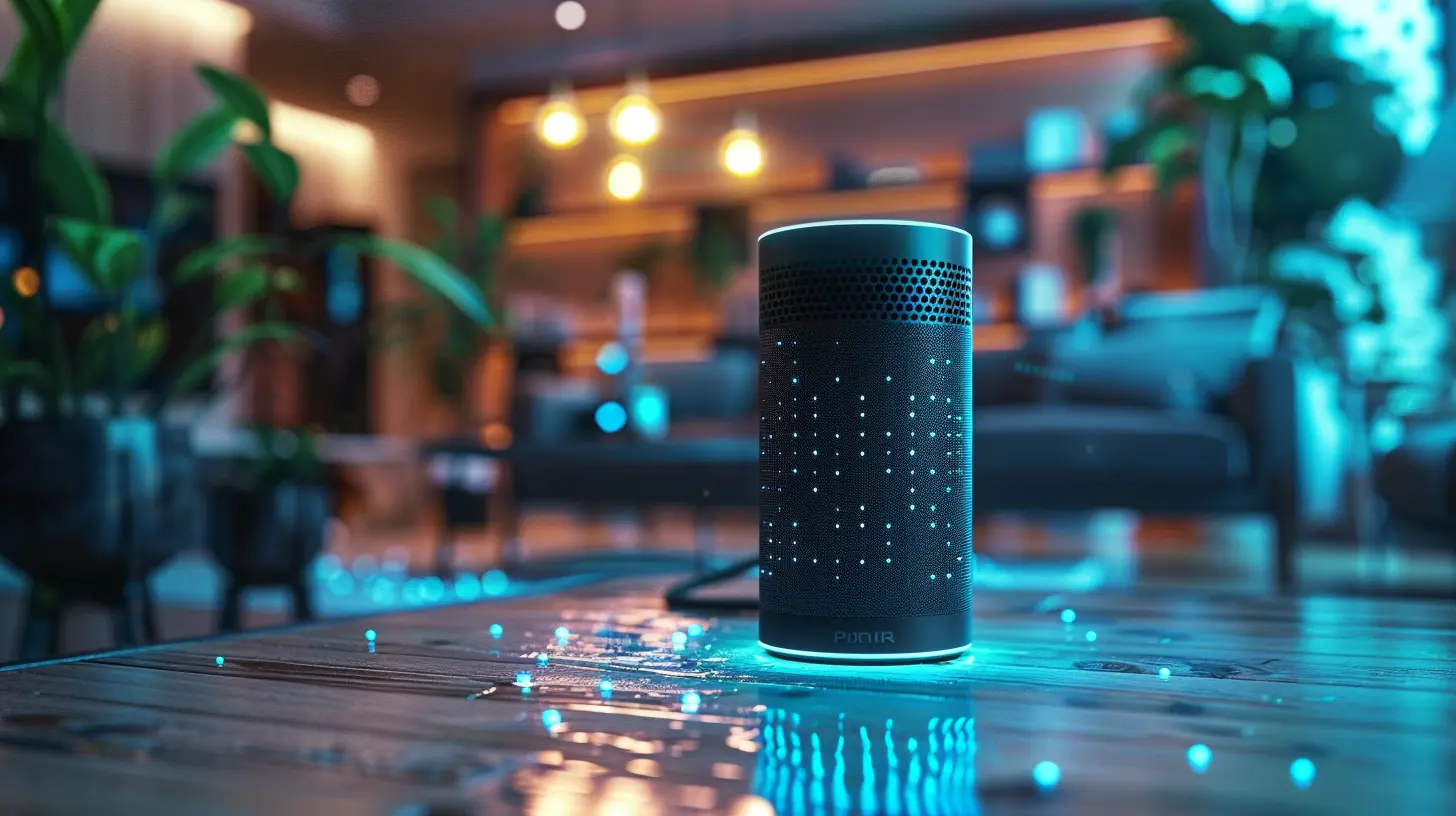
Why Audio Quality Isn't Just About Volume
Let’s start here because louder doesn’t mean better. Ever cranked up the volume only to hear distortion and muddled bass? Yikes. That’s not what your smart speaker signed up for.Audio quality is about clarity, balance, warmth, and how well your music or voice commands blend into your space. It's like a well-prepared dish—the ingredients (bass, mids, highs) need to be in harmony. So, let’s make sure your speaker knows how to cook. 🧑🍳🎶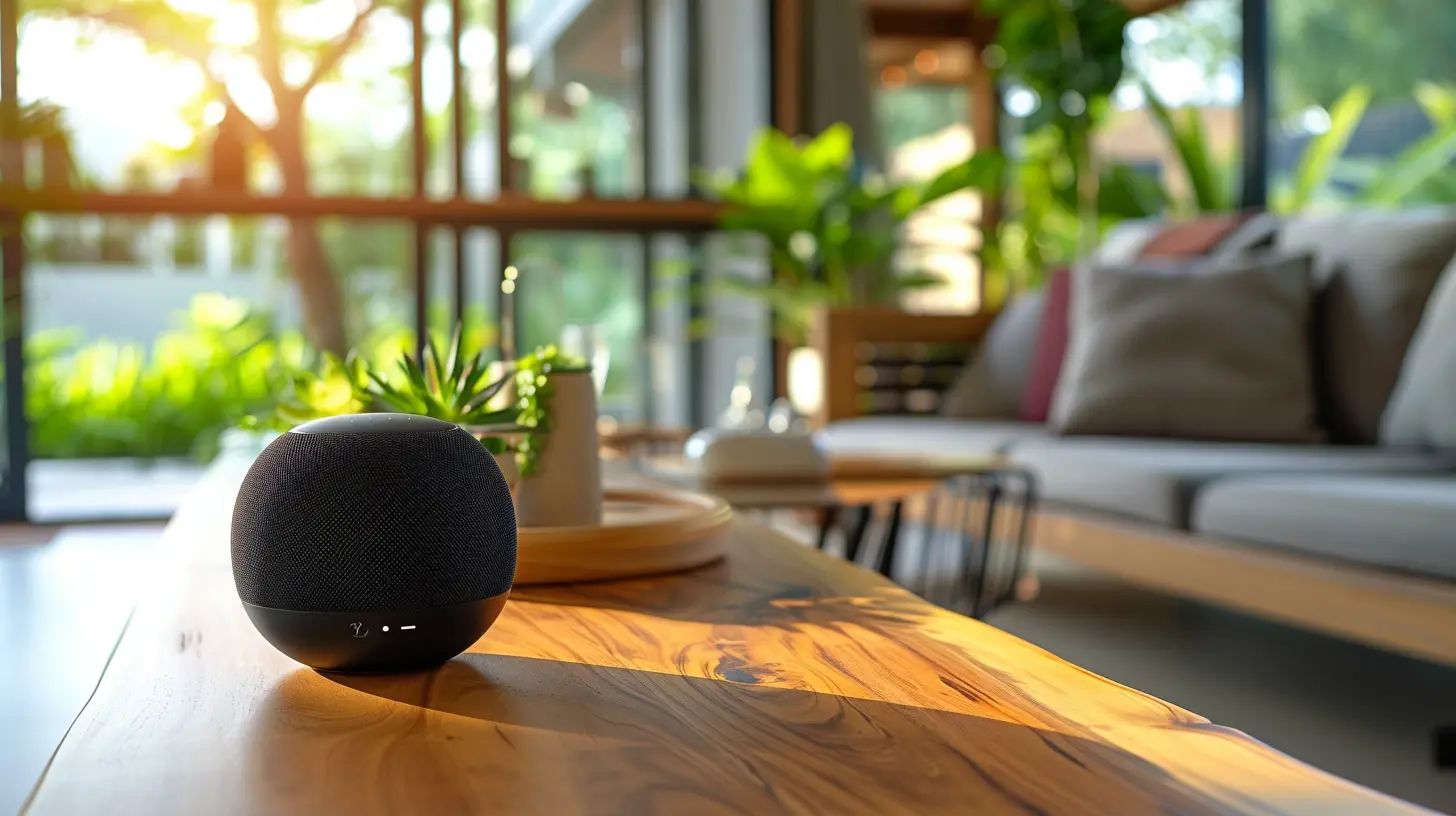
1. Choose the Right Spot—Speaker Placement Matters!
This one’s a game changer. The way your speaker fills a room is super dependent on where it sits. Think of your smart speaker as a performer. Would you stick Beyoncé in a closet and expect her to bring the house down? Exactly.📍 Ideal Placement Tips:
- Avoid Corners: Don’t shove it into the corner. Bass gets trapped and ends up sounding muddy.- Away from Walls: Keep some airflow—at least a few inches from the wall—so the sound waves can breathe.
- Elevated Surfaces: Place it on a shelf or table. Not the floor. Your dog doesn’t need front-row seats.
- At Ear Level: Especially important when voice commands are involved. Your speaker wants to hear you, too.
The goal? Let it sing out freely. No obstructions, no echo chambers.
2. Clean That Speaker Grill (Seriously)
This one’s easy to forget. But just like your phone’s charging port gets dusty, so can your speaker’s grill. And yeah, dust affects sound.🧼 How to Clean It:
- Use a microfiber cloth for a gentle wipe-down.- Compressed air works for the gunk in the cracks.
- Avoid water (your smart speaker does not want to go swimming).
You want that sound to be pure, not muffled by a dusty sweater your speaker’s wearing.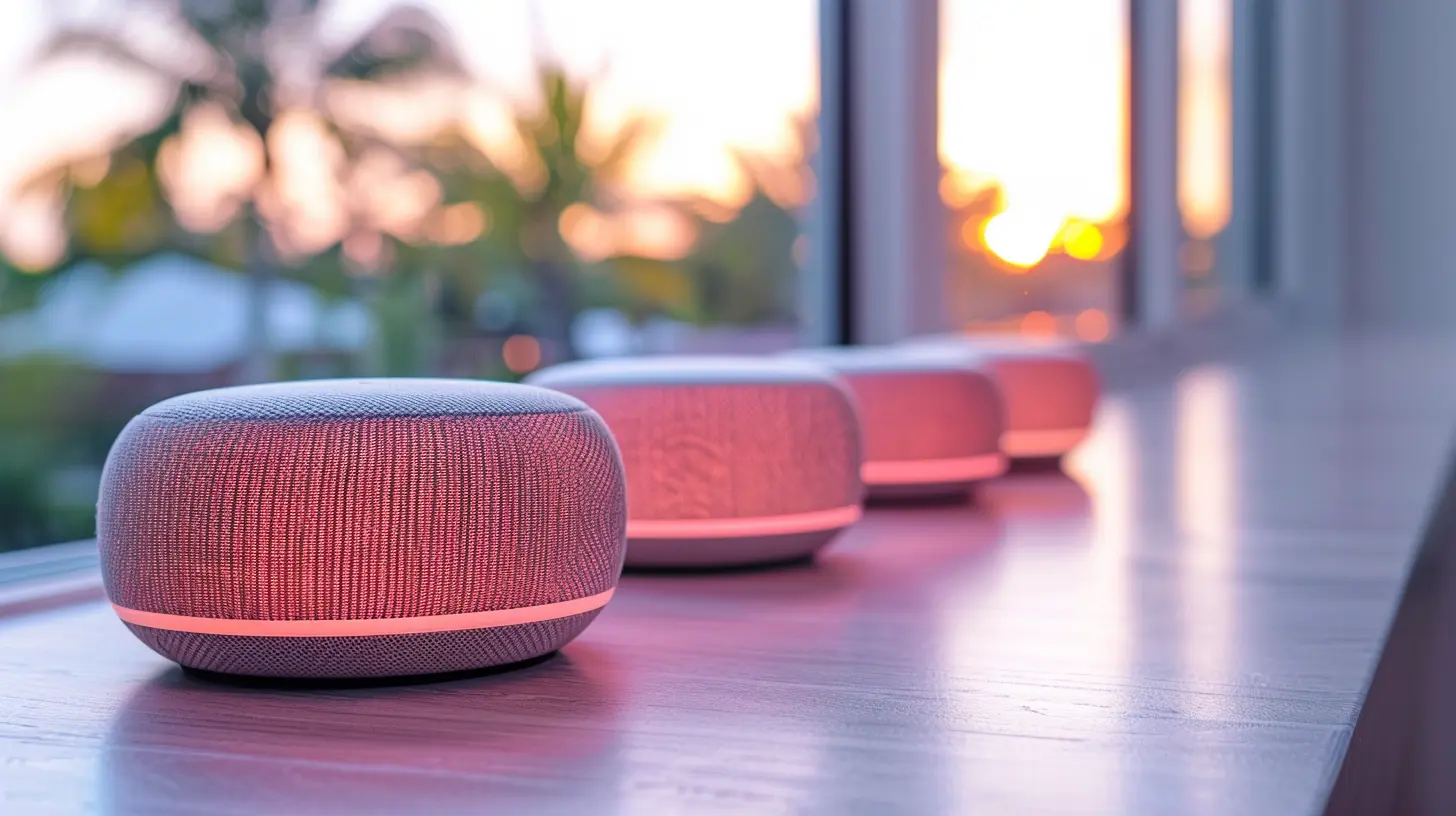
3. Use the App… Don’t Skip the Setup
I get it. When you first unbox your speaker, you’re excited. You skip through the app setup like it’s Terms & Conditions. But here’s the thing—you’re leaving audio gold on the table.Why the App’s Your Secret Weapon:
- Personalized EQ (Equalizer) Settings: Tweak the bass, mids, and treble to match your taste.- Room Tuning Features: Some smart speakers (like Apple's HomePod or Sonos) adjust audio based on your room’s acoustics.
- Voice Control Calibration: The mic array can be optimized for your voice and your room.
Take five minutes. You’ll thank yourself every time that beat drops just right.
4. Tweak the EQ Settings Like a Pro
You don’t need to be a sound engineer to tweak an equalizer. Most smart speaker apps offer basic sliders for bass, mids, and treble.🎛️ What Should You Change?
- Too boomy? Dial down the bass.- Vocals sound thin? Boost the mids.
- Too sharp or hissy? Reduce the treble just a tad.
Tailor it to whatever you listen to most. If you’re all about podcasts, make those voices a little richer. If EDM is your jam, you'll want a decent bass kick without blowing out the highs.
5. Consider Speaker Pairing or Grouping
More is more—at least when it comes to sound coverage. If you have more than one smart speaker, you’re sitting on an audio jackpot.🎵 Benefits of Pairing:
- Stereo Sound: Two speakers can split the left and right channels like a true concert.- Multi-Room Audio: Sync your home for whole-house tunes. It’s like Airbnb meets Coachella in your living room.
This is especially helpful for parties or large spaces. You’ll feel the music without juggling the volume room by room.
6. Use High-Quality Audio Sources
Trash in = trash out. If you’re streaming low-bitrate MP3s or old YouTube rips, don’t blame your speaker when things sound crunchy.🏆 Go for Higher-Quality Options:
- Spotify Premium or Apple Music offer higher bitrate streams.- Check if your speaker supports Lossless Audio (some Sonos or Amazon Echo models do).
- Use Wi-Fi over Bluetooth when possible. Wi-Fi has a broader bandwidth for better audio quality.
Imagine your smart speaker as a gourmet chef—you gotta give it quality ingredients to cook up a feast.
7. Mind the Acoustics of Your Room
Believe it or not, your furniture matters. Empty rooms make audio bounce around like a ball in a gymnasium. Not ideal.🛋️ Easy Acoustic Fixes:
- Add soft furnishings: Rugs, curtains, couches. These absorb sound and reduce echo.- Avoid large flat surfaces: Sound reflects off bare walls and glass tables.
- Use bookshelves or plants to scatter sound waves gently around the room.
You don’t need to go full recording studio. Just think cozy, not echo chamber.
8. Update Your Firmware, Frequently
Yep, boring but crucial. Most modern smart speakers receive firmware updates that actively improve performance—including audio quality.These updates can:
- Adjust EQ automatically for better balance
- Improve microphone sensitivity
- Add new audio features or formats
So, don’t skip those updates. They’re like vitamins for your tech. 💊🎧
9. Use Voice Profiles (If Your Speaker Supports It)
Some smart speakers let you set up voice profiles for multiple users. Why does this matter?Because once your speaker knows who’s asking, it can tailor sound settings for that specific person. Think different EQs for your teenager who loves pop and you who lives for jazz. 🎷
Plus, voice profiles improve:
- Personal music playback
- Voice recognition accuracy
- Search and recommendation results
Customization equals better sound and smarter interaction.
10. Optimize for the Activity You’re Doing
Think of your speaker like a mood ring, ready to change based on what you’re doing.🎯 Activity-Based Optimization:
- Movie Night? Crank up the bass and lower the mids for that cinematic boom.- Podcast Brunch? Focus on treble and mids for crisp dialogue.
- Meditation Time? Go balanced—nothing too sharp, nothing too deep.
And if your speaker supports routines or scene-based audio profiles, create custom ones! A morning routine can play mellow acoustic, while your "Get Stuff Done" routine can boost beats and energy.
Bonus Tip: Upgrade Your Speaker (If Needed)
Okay, confession time: not all smart speakers are made equal. If yours is a budget option and you’re expecting premium hi-fi performance… you might be stretching it.There’s a difference between a $40 speaker and a $400 one. Better drivers, better software, and more customization options come with premium gear.
Some great upgrades to consider:
- Sonos One or Sonos Era 100 – Balanced, clear, customizable.
- Amazon Echo Studio – Dolby Atmos support and deep bass.
- Apple HomePod (2nd Gen) – Spatial audio, room-sensing magic.
It’s not about spending more for the sake of it—it’s about fitting your audio needs without disappointment.
Final Thoughts: Let Your Speaker Shine 🎤✨
Your smart speaker is smarter (and better sounding) than you think. With a few tweaks, a little care, and some experimentation, you can unlock seriously impressive sound.Treat it like a plant—keep it in the right environment, give it good food (music), and maintain it. Before you know it, your living room will sound like a mini concert venue.
At the end of the day, it's all about enjoying your content the way it was meant to be heard—rich, full, and crystal clear. So go ahead, press play. You’ve got this.
all images in this post were generated using AI tools
Category:
Smart SpeakersAuthor:

Marcus Gray
Discussion
rate this article
2 comments
Harlow McRae
Great tips! Elevating audio can truly enhance our experience.
April 15, 2026 at 12:07 PM
Marcus Gray
Thanks for your feedback! I'm glad you found the tips helpful. Enjoy your enhanced audio experience!
Haze Roberts
Great article! I love the practical tips you've shared for enhancing smart speaker audio quality. Adjusting placement and experimenting with settings can truly make a difference. Excited to try out the suggestions on EQ adjustments and room acoustics to elevate my listening experience!
April 12, 2026 at 3:43 AM
Marcus Gray
Thank you for your kind words! I'm glad you found the tips helpful. Enjoy enhancing your audio experience!