How Cloud-Based Collaboration Is Reshaping the Workplace
9 July 2026
I have spent the last fifteen years watching organizations adopt, reject, and sometimes misuse collaboration tools. The cloud was never just about storage or cheaper servers. It was always about connection. But the way we connect has changed dramatically, and most companies still get the fundamentals wrong. Let me walk you through what is actually happening, what works, what does not, and why the decisions you make today will determine whether your team thrives or drowns in noise.
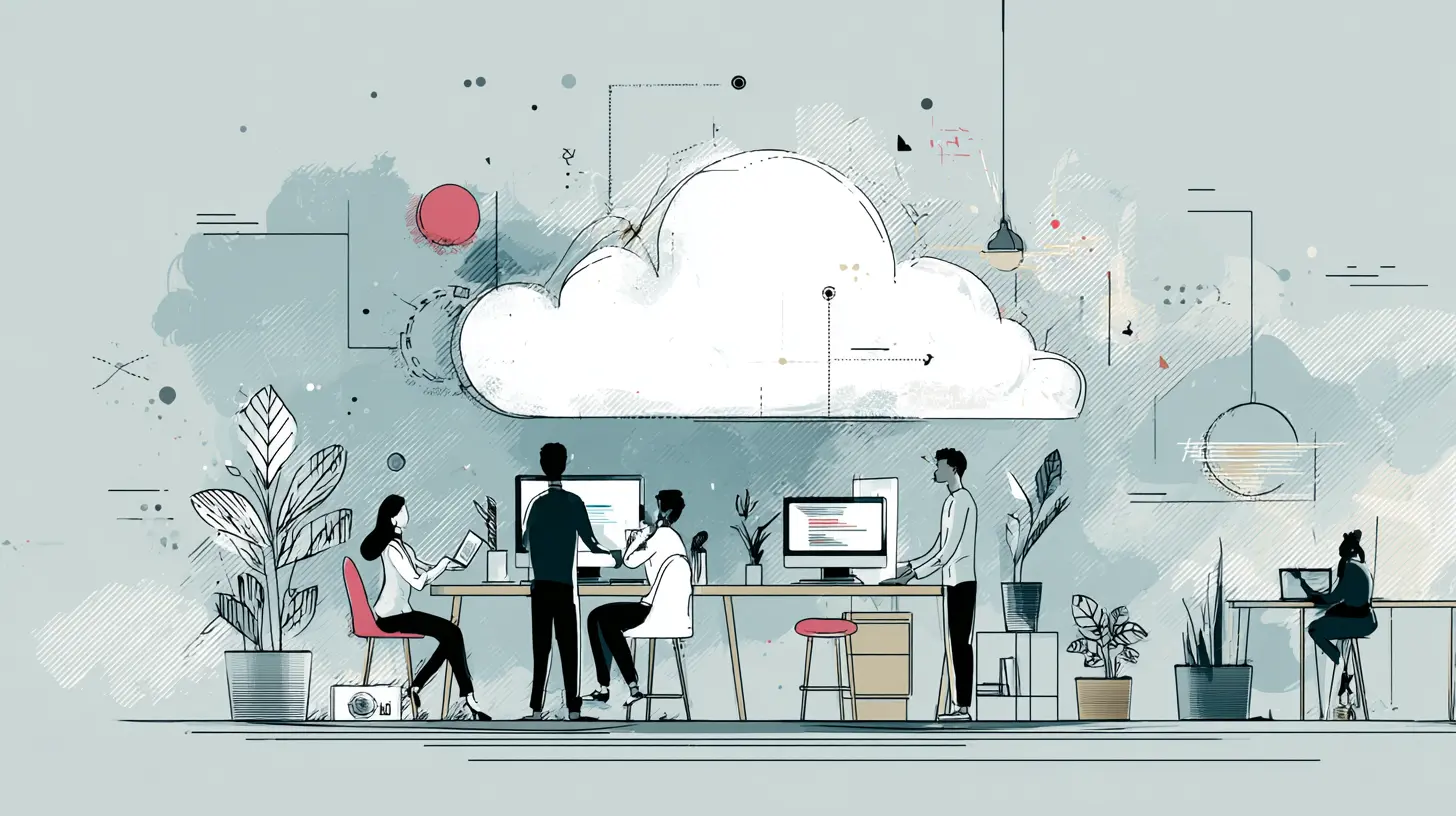
The Real Shift: From Tools to Operating Models
When people talk about cloud collaboration, they usually list Zoom, Slack, Google Workspace, Microsoft Teams, or Notion. Those are just the visible layer. The deeper transformation is about how work gets structured. Before cloud-based tools, collaboration was synchronous by default. You sat in a room, called a meeting, or passed physical documents. Now, work is asynchronous by default. That changes everything about how we communicate, make decisions, and measure productivity.The mistake most leaders make is taking their old workflows and dropping them into new tools. They hold the same meetings, send the same emails, and expect the cloud to magically fix inefficiency. It does not work that way. Cloud collaboration demands that you rethink the rhythm of your work. You need to decide what deserves real-time attention and what can wait. You need to define when a chat message is appropriate versus a document comment versus a scheduled video call. Most teams never have that conversation. They just adopt the tools and wonder why everyone feels overwhelmed.
Why Asynchronous Work Actually Works
Asynchronous communication is the single biggest advantage of cloud-based collaboration. It allows people to contribute when they are most focused, not when someone decides to call a meeting. For deep technical work, this is a game changer. A developer writing complex code or an analyst building a financial model should not be interrupted every twenty minutes by a Slack ping. Cloud tools let them work in a state of flow while still staying connected.But async has limits. It fails when the topic is ambiguous, emotionally charged, or requires rapid iteration. If you are debating a strategic pivot or resolving a conflict, a thread of written messages will often make things worse. People read tone into plain text that was never intended. They assume hostility where there is none. In those cases, a short synchronous call is faster and kinder. The best teams learn to toggle between async and sync deliberately, not by accident.
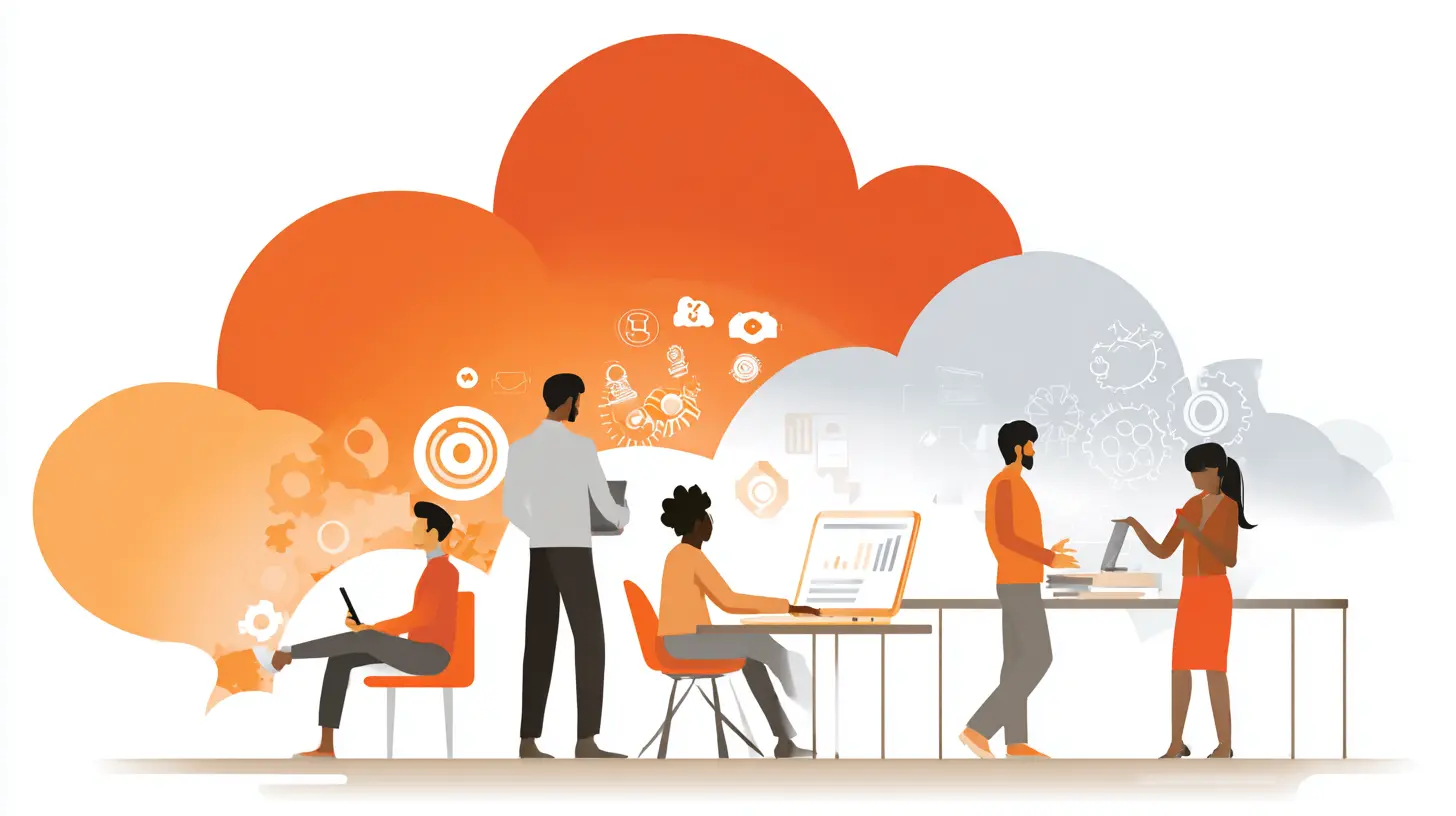
The Hidden Cost of Always-On Collaboration
Cloud tools are designed to keep you engaged. That is not a bug; it is the business model. Notifications, status indicators, read receipts, and real-time editing all push you toward constant responsiveness. This creates a serious problem. When everyone expects an instant reply, deep work suffers. The cost is not just personal burnout. It is organizational stupidity. Decisions get made based on the loudest or fastest responder rather than the best thinking.I have seen teams where the most senior person sends a message at 9 PM and expects answers by 9:15. That behavior spreads like a virus. Within weeks, everyone is checking their phone at dinner, answering messages during family time, and feeling guilty when they do not respond instantly. The tool itself is neutral, but the culture around it matters enormously.
Setting Boundaries Without Breaking Flow
The fix is not to ban cloud tools. It is to establish explicit norms. Some of the best engineering teams I have worked with use a simple rule: no response expected outside of core working hours unless it is an emergency. They define what an emergency is. A production outage? Yes. A question about next week's marketing calendar? No. They also use status indicators honestly. If someone is in deep focus mode, they set their status to "Do Not Disturb" and the team respects it.Another practical approach is to batch communication. Instead of responding to every message as it arrives, set aside two or three blocks per day for messages and emails. Outside those blocks, close the apps. Most messages can wait two hours. The ones that cannot will come via phone call or a direct ping with a clear subject line. This sounds simple, but it requires discipline from leadership. If the CEO answers Slack at 10 PM on a Saturday, the team will feel pressure to do the same. Leaders must model the behavior they want.

Document-Centric vs. Chat-Centric Collaboration
One of the biggest strategic decisions a team makes is whether to center their collaboration around documents or around chat. Both are cloud-based, but they produce very different outcomes.Document-centric tools like Google Docs, Notion, and Confluence treat the document as the source of truth. Discussion happens in comments or in the document itself. The advantage is permanence. A decision made in a document is recorded, searchable, and referenceable. The disadvantage is that it can feel slow. You have to write something down rather than just saying it.
Chat-centric tools like Slack, Teams, and Discord treat the conversation as the primary artifact. Decisions emerge from threads. The advantage is speed. You can get an answer in thirty seconds. The disadvantage is chaos. Information gets buried in channels, lost in threads, and forgotten. I have watched teams spend hours searching for a decision that was made in a chat channel three weeks ago. They never find it. They just make the decision again.
When to Use Each Approach
Document-centric collaboration works best for anything that needs to be durable: project plans, architecture decisions, policy changes, meeting notes, and onboarding guides. Chat is best for ephemeral coordination: "Where is the file?" "Can you review this PR?" "Who is on call tonight?" The problem is that most teams use chat for everything because it feels easier in the moment. They pay for it later in confusion and rework.A good rule of thumb: if you would be upset if the information disappeared, put it in a document. If you would not care in a week, leave it in chat. Some tools now blur this line. Notion has databases that act like documents but support real-time comments. Slack has canvas features that let you create lightweight documents inside channels. The key is to choose a primary mode and stick with it, rather than trying to do everything in every tool.

The Collaboration Tool Stack: Less Is More
Every year, I meet teams using five, six, or seven different collaboration tools. They have Slack for chat, Zoom for meetings, Google Docs for writing, Trello for tasks, Notion for knowledge, and Asana for projects. Then they add Miro for whiteboarding and Loom for async video. The result is tool fatigue. People forget where to find things. They duplicate information across platforms. They waste time context-switching.The most effective teams I have seen use exactly two or three tools intentionally. One for communication (usually Slack or Teams), one for documents and knowledge (Notion or Google Workspace), and one for project management (Linear or Jira or Asana). That is it. They resist the urge to add a specialized tool for every use case. When a new tool appears, they ask: "Does this replace something we already use, or does it add complexity?" If it adds complexity, they pass.
The Integration Trap
Cloud tools promise seamless integrations. In practice, integrations often create more problems than they solve. A Slack bot that posts every Jira update creates noise. A calendar integration that automatically schedules meetings based on chat messages can double-book people. I have seen integrations that broke because one tool updated its API and the other did not, leaving teams without critical data for days.Before connecting two tools, ask what problem the integration solves. If the answer is "so we do not have to switch tabs," that is usually not enough. The real value of an integration is when it eliminates a manual step that causes errors or delays. For example, automatically creating a task in Asana when someone submits a support ticket is useful. Automatically posting every commit message to a Slack channel is noise.
Real-Time Collaboration: The Good, The Bad, The Ugly
Real-time collaboration in the cloud is a miracle when it works. Multiple people editing the same document simultaneously, seeing each other's cursors, chatting in a sidebar, and resolving issues on the fly is genuinely powerful. It compresses what used to take days of email back-and-forth into thirty minutes.But real-time collaboration has a dark side. It favors the fastest typist, not the best thinker. It rewards extroverts who think out loud and penalizes introverts who need silence to process. In a live document editing session, the person who writes first often dominates the direction, even if their ideas are weaker. The slower, more deliberate contributor gets steamrolled.
Making Real-Time Work Fair
If you use real-time editing, set explicit guardrails. Start with a silent reading period where everyone reviews the document alone. Then move to comments or a structured discussion. Only then open the document for live editing. This gives everyone time to form their thoughts before the speed competition begins. For brainstorming sessions, use a tool like Miro or FigJam where people can add sticky notes anonymously before discussing. This surfaces ideas from people who would never speak up in a live call.
The Remote and Hybrid Reality
Cloud-based collaboration is the backbone of remote and hybrid work. Without it, distributed teams simply cannot function. But the cloud does not automatically make remote work successful. It enables it, but culture and process determine whether it actually works.The biggest challenge I see in hybrid teams is the asymmetry between in-office and remote participants. When three people are in a conference room and two are on a video call, the remote people are second-class citizens. They cannot read the room. They get talked over. They miss the side conversations that happen after the meeting. Cloud tools can mitigate this, but only if the team commits to being "remote-first" rather than "office-first."
Remote-First Best Practices
Remote-first means that even when people are in the same building, they join the video call from their own laptops. Everyone gets the same size tile on the screen. Documents are shared in the cloud, not projected from a single laptop. Decisions are documented in the shared workspace, not scribbled on a whiteboard that gets erased. This sounds extreme, but it is the only way to ensure fairness. I have seen companies lose talented remote employees because they felt invisible. The cloud tools were there, but the culture did not use them properly.Another practical move is to record all meetings and share the recording with a written summary. This is not for people who missed the meeting. It is for everyone. Written summaries force clarity. They capture decisions and action items in a searchable format. They also help people who process information better by reading than by listening. Cloud tools make recording and transcription trivial. The barrier is not technical; it is the habit of doing it consistently.
Security and Privacy: What Most Teams Get Wrong
Cloud collaboration means your data lives on someone else's servers. That is a fact. The question is whether you have controls in place that match your risk tolerance. Most teams either overtrust their cloud provider or overcomplicate their security to the point where nobody follows the rules.The biggest mistake is assuming that because a tool is popular, it is secure enough for your use case. Slack and Teams and Google Workspace all have enterprise security features, but they are not all enabled by default. You need to configure data retention policies, access controls, and external sharing restrictions. Most teams never do this. They just sign up and start sharing files. Six months later, a contractor who left the company still has access to sensitive documents.
Practical Security Steps
Start with data classification. Not everything needs to be locked down. A public company roadmap might be fine to share broadly. Customer financial data should be restricted to a small group. Use the cloud tool's built-in permission levels to enforce this. Create shared drives or spaces with clear naming conventions: "HR - Confidential" vs. "Engineering - Internal." Train people to put files in the right place.Enable two-factor authentication for every collaboration tool. This is non-negotiable. Also set up single sign-on if your organization has an identity provider. This makes it easier to revoke access when someone leaves. The most common security breach I see is not a hack. It is a former employee who still has access to the company's Google Drive or Notion workspace because nobody deactivated their account.
The Collaboration Skills Gap
Cloud tools are easy to learn but hard to master. The real bottleneck is not the software; it is the human skills. Writing clear async messages, giving constructive feedback in document comments, running effective remote meetings, and managing your own attention are all skills that most professionals have never been taught.I have watched senior engineers write Slack messages that are incomprehensible. They assume context that the reader does not have. They use jargon without explanation. They ask open-ended questions that require a novel to answer. The result is confusion and back-and-forth that could have been avoided with a well-written message.
How to Improve Collaboration Skills
Treat collaboration as a skill that can be developed. Provide training on how to write effective async updates. Teach the "context, action, outcome" format: state the situation, what you need, and what the result should be. For example: "The deployment pipeline is failing on the staging environment (context). Can you check the config file for the database connection string? (action) We need this fixed before the release tomorrow at 2 PM. (outcome)" That is a message that can be answered in thirty seconds.Also teach people how to say "no" to collaboration. It is okay to decline a meeting invite if the topic could be handled in a document. It is okay to ask someone to write a proposal before scheduling a discussion. The best collaborators are not the ones who attend every meeting or respond to every chat. They are the ones who protect their deep work time and communicate clearly about when they are available.
The Future: AI and Ambient Collaboration
Cloud-based collaboration is about to change again because of AI. We are already seeing AI that summarizes chat threads, generates meeting notes, and suggests action items. This is useful, but it also introduces new problems. AI summaries can miss nuance. They can flatten disagreement into bland consensus. They can hallucinate decisions that were never made.The more interesting development is ambient collaboration. Tools that track what you are working on and surface relevant information without you asking. For example, an AI that notices you are editing a document about a product launch and automatically shows you the latest customer feedback or the engineering timeline. This reduces the cognitive load of finding information across multiple tools.
What to Watch For
Do not adopt AI collaboration features just because they are new. Evaluate them against the same standard: do they reduce noise or increase it? Do they help you make better decisions faster? An AI that sends you a daily summary of everything that happened in your team's channels is probably noise. An AI that flags a critical change in a project plan and asks for your input is value.The risk is that AI makes collaboration even more asynchronous and even more detached. If an AI summarizes a conversation for you, you lose the context and the emotional tone. You might miss the fact that a team member is frustrated or that a customer is angry. Use AI for information, not for judgment. The human element of collaboration is not a bug. It is the point.
Practical Recommendations for Leaders
If you take nothing else from this article, take these five actions:1. Audit your tool stack. Eliminate any tool that does not serve a clear, non-overlapping purpose. If two tools do the same thing, pick one and sunset the other.
2. Define collaboration norms. Write them down. Share them with the team. Include guidelines for response times, meeting etiquette, document ownership, and escalation paths.
3. Invest in async skills. Train your team on how to write clearly, how to structure documents, and how to communicate context without relying on back-and-forth messages.
4. Protect deep work. Create blocks of time where collaboration tools are muted. Enforce these blocks from the top down. Do not schedule meetings during these times.
5. Measure outcomes, not activity. Do not track how many messages someone sent or how many meetings they attended. Track whether projects are delivered on time, whether decisions are documented, and whether team members feel informed and respected.
Cloud-based collaboration is not a technology problem. It is a human problem. The tools are better than they have ever been. The challenge is using them with intention, discipline, and empathy. That is what separates teams that thrive from teams that just survive.
all images in this post were generated using AI tools
Category:
Collaborative SoftwareAuthor:

Marcus Gray